
Viindoo AI
Viindoo AI connects your Viindoo database to the AI vendor of your choice and puts an AI assistant inside Viindoo. Administrators set spend limits, choose where data may be processed and can always find the record of what was sent to the vendor. Employees chat with the assistant from the AI app or from any screen.
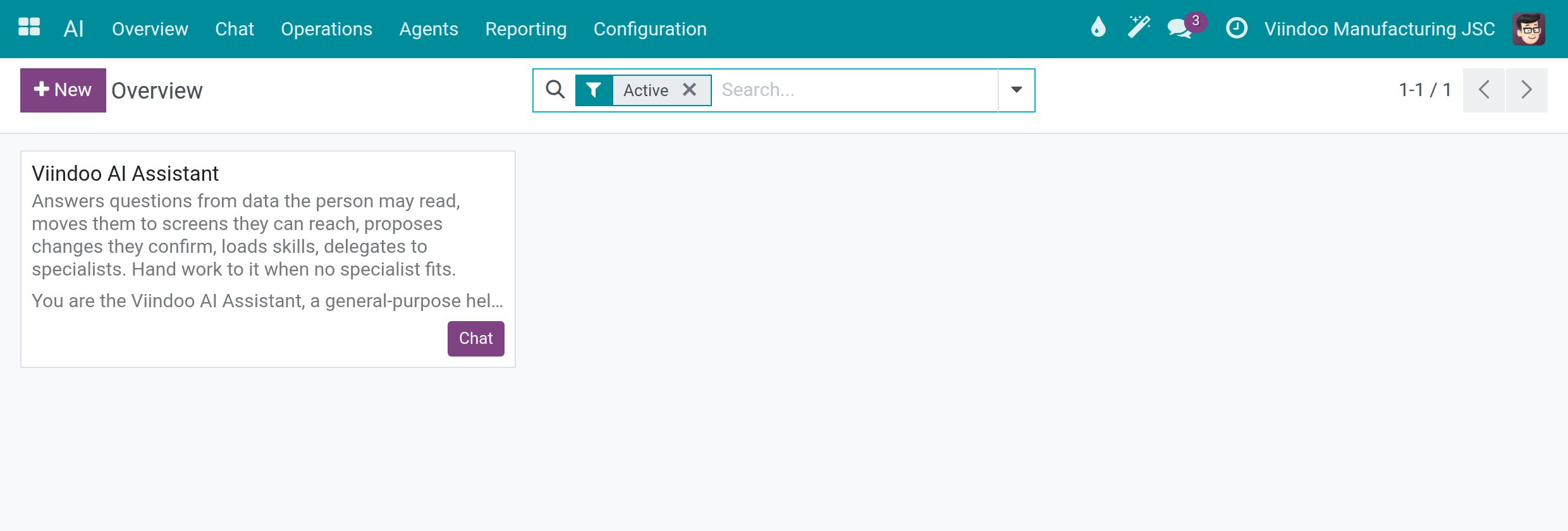
A ready-made connection named Viindoo is available right after installation, so the assistant answers before any vendor is configured. It is meant for a quick start and evaluation: it has daily token limits and small models. For production, connect your own AI vendor, such as OpenAI, Anthropic or Google.
The work happens in four steps:
The system administrator keeps the Viindoo connection or connects another AI vendor.
The system administrator sets spend limits and checks where each vendor processes data.
Employees chat with the assistant.
The system administrator reviews what AI cost and opens the record of any call.
Who Does What
Role |
What they do |
Access right to assign |
|---|---|---|
System administrator |
Installs the app, connects AI vendors, sets spend limits, chooses where data may go and reads the audit records. |
Administration: Settings |
AI Administrator |
Maintains the configuration lists under . The API key, the endpoint and the settings screen stay with the system administrator. |
AI: AI Administrator |
AI Operator |
Sees the AI calls and the cost report of the whole company, not only their own. |
AI: AI Operator |
AI Content Manager |
Edits the knowledge sources and website crawls the assistant draws on. |
AI: AI Content Manager |
API log reader |
Opens the raw HTTP record of an AI call. |
Technical: API Log Viewer |
Employee |
Chats with the assistant and sees their own AI calls. |
Internal user (no extra right) |
Guides for Administrators and Employees
Guide |
Use it to |
|---|---|
Install Viindoo AI, assign the access rights, find your way in the AI app and test the ready-made Viindoo connection. |
|
Connect your own AI vendor and choose where each vendor may process data. |
|
Set spend limits and find the record of every AI call. |
|
For employees: ask the assistant from the AI app or from any screen, choose a model for one conversation, and see what the assistant remembers and did for you. |
|
For administrators: add knowledge sources and website crawls, review skills and set up the assistant. |
|
For administrators: approve services, connect external tool servers and review how people rate answers. |
|
For administrators: the technical lists, when to change them and why to leave the defaults. |