
How to set up inventory valuation in Viindoo
To value your stock, choose a Costing Method (Standard Price, FIFO or Average Cost) and, if you use automatic stock accounting, an Inventory Valuation (Manual or Automated) on the product category. Every product of the category follows it: each receipt and delivery then changes the quantity and the value of the stock, which you read in Inventory ‣ Reporting ‣ Valuation.
Who |
Inventory Administrator or Accountant |
App |
Inventory with Accounting |
Before you start
Install the Inventory app and the Accounting app. The valuation features come with Accounting (the Inventory Accounting module,
stock_account).To choose Automated valuation, tick Automatic Stock Accounting in Accounting ‣ Configuration ‣ Settings and set the stock journal and the default stock accounts there.
You need the right to configure product categories.
How do I choose the costing method of a product category?
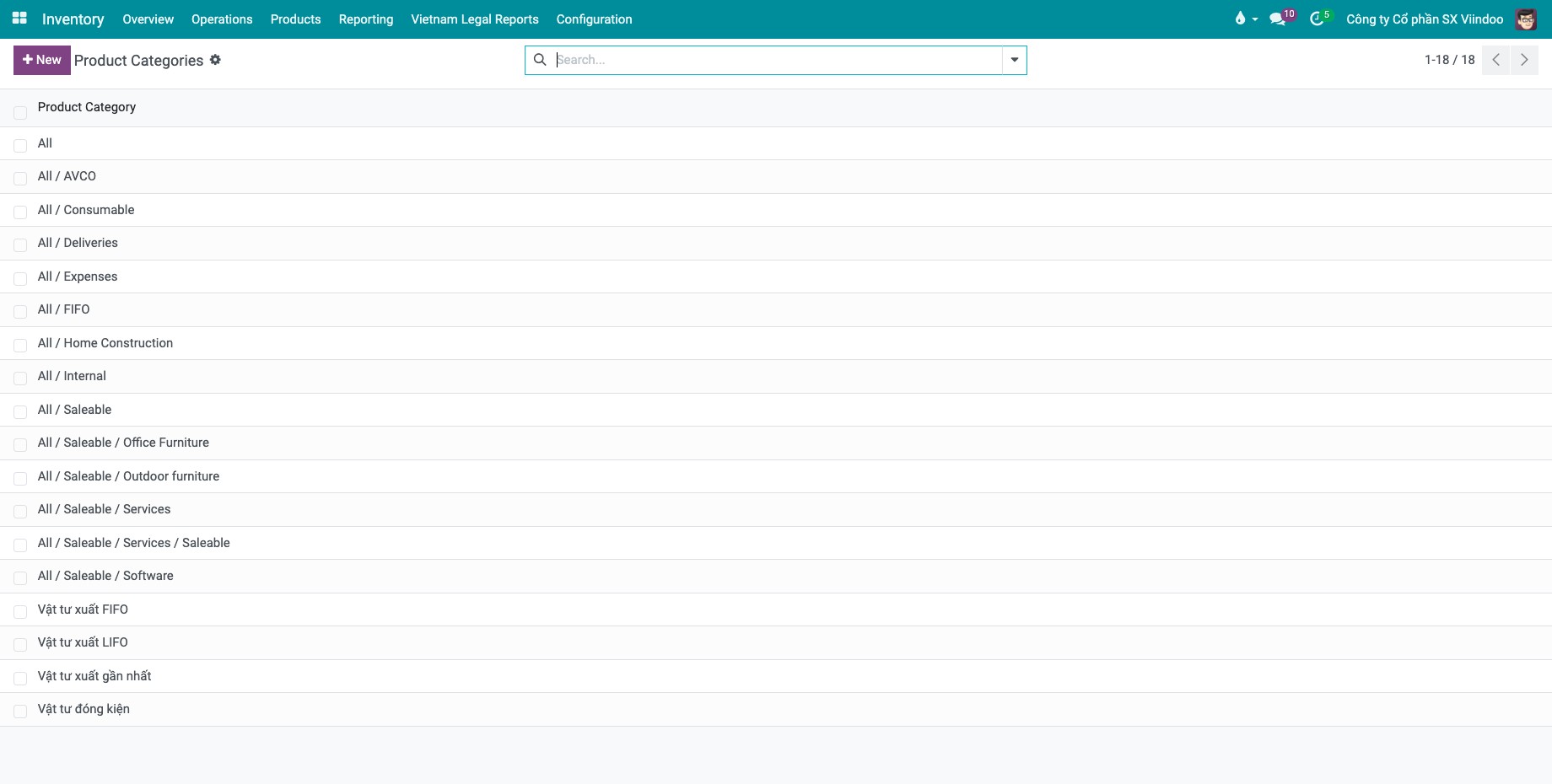
Go to Inventory ‣ Configuration ‣ Products ‣ Product Categories and open the category (or click New). See also How to create and set up product categories.
![Product Categories list in the Inventory configuration menu, including the AVCO and FIFO categories]()
In the Inventory Valuation group, choose the Costing Method:
Standard Price: stock is valued at the standard cost entered on the product.
First In First Out (FIFO): stock is valued as if the goods that came in first leave first.
Average Cost (AVCO): stock is valued at the weighted average cost of the goods in stock.
![Inventory Valuation group of a product category with the Costing Method and Inventory Valuation fields]()
If Automatic Stock Accounting is on, choose the Inventory Valuation:
Manual: Viindoo does not post accounting entries for stock movements; the accountant records the stock value.
Automated: Viindoo posts an accounting entry each time a product enters or leaves the company. The category then needs the stock valuation, input and output accounts and the stock journal.
Click Save.

Then open each product in Inventory ‣ Products ‣ Products and set its Product Category on the General Information tab. The costing method and valuation of the product are read from the category and cannot be edited on the product.

Note
Changing the category of a product that has stock to a category with another costing method or valuation empties the stock with the old method and refills it with the new one. Do it before the product has stock when you can.
How do receipts and deliveries change the stock value?
Example with Office Desk in a category valued at Average Cost (AVCO):
Operation |
Quantity |
Unit cost (VND) |
Stock quantity |
Stock value (VND) |
|---|---|---|---|---|
Receipt 1 |
10 |
1,000,000 |
10 |
10,000,000 |
Receipt 2 |
10 |
1,200,000 |
20 |
22,000,000 |
Delivery |
-1 |
1,100,000 |
19 |
20,900,000 |
After the second receipt the average cost of the product becomes 1,100,000 VND, which is (10 x 1,000,000 + 10 x 1,200,000) / 20. The delivery is valued at this average cost. With FIFO, the delivery would be valued at 1,000,000 VND, the cost of the first receipt; with Standard Price, it is valued at the standard cost of the product.
Validate the receipt of the purchase (see How to receive goods in one step). The stock value changes as soon as the receipt is Done.
Go to Inventory ‣ Reporting ‣ Valuation. Each line is a stock movement with its Quantity, Total Value and, in the optional columns, the Unit Cost and the Remaining Quantity.
![Valuation report after a receipt with the quantity and the value of the product]()
Open the product: its Cost follows the method (it is updated by each receipt under Average Cost).
After a delivery, the Valuation report shows a line with a negative quantity and value.
![Valuation report after a delivery with the cost of goods sold]()


How do I value tracked products by lot or serial number?
For a product tracked by lot or serial number, tick Valuation by Lot/Serial number on the Inventory tab of the product form to value each lot or serial number with its own cost.
Common errors
Problem |
What to do |
|---|---|
Inventory Valuation (Manual / Automated) is missing on the category. |
Tick Automatic Stock Accounting in the Accounting settings. |
The Valuation report is missing. |
The Accounting app (stock valuation) is not installed. |
You cannot change the product category of a product valuated by lot/serial number. |
Valuation by lot is already used by stock movements. Keep the category, or create a new product. |
Next steps
Version notes
Three costing methods are available: Standard Price, FIFO and Average Cost (AVCO). The former Specific Identification method is not in the list; to value each lot or serial number with its own cost, use Valuation by Lot/Serial number on the product.
Manual and Automated valuation appear once Automatic Stock Accounting is ticked.