
Introduction to Subcontracting in Viindoo
In subcontracting, you send some or all of the materials of a product to a subcontractor, who makes it and sends it back. In Viindoo you buy the product from the subcontractor with a purchase order; its bill of materials of type Subcontracting says which components to send. Confirming the purchase order creates the transfer of the components to the subcontractor and the receipt of the finished product.
Who |
Manufacturing administrators, who set up subcontracting; users with the Manufacturing ‣ User access right, who set up the products and bills of materials. |
App |
Manufacturing, Purchase, Inventory |
Before you start
Install the Manufacturing and Purchase apps.
The subcontractor exists as a contact.
To value the goods sent and received, set the accounts of the product categories, see How to account for subcontracting goods valuation.
What does subcontracting cover in Viindoo?
Buy subcontracted products with a purchase order, or from a subcontracting request raised on a manufacturing order, with an approval when you need one.
Send the components and receive the finished products, see Manage subcontracts in the manufacturing process.
Settle the subcontracting under Vietnamese accounting standards and follow it in reports, see The Subcontracting Settlements and Reports.
How do I turn on subcontracting?
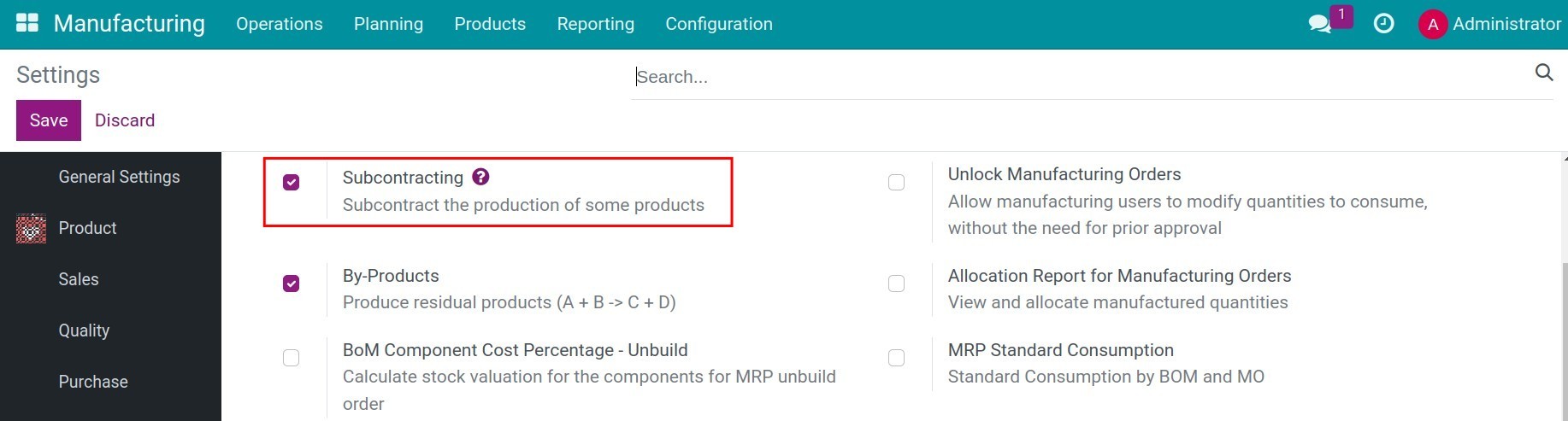
Go to Manufacturing ‣ Configuration ‣ Settings, tick Subcontracting and click Save.
How do I set up the components to send?
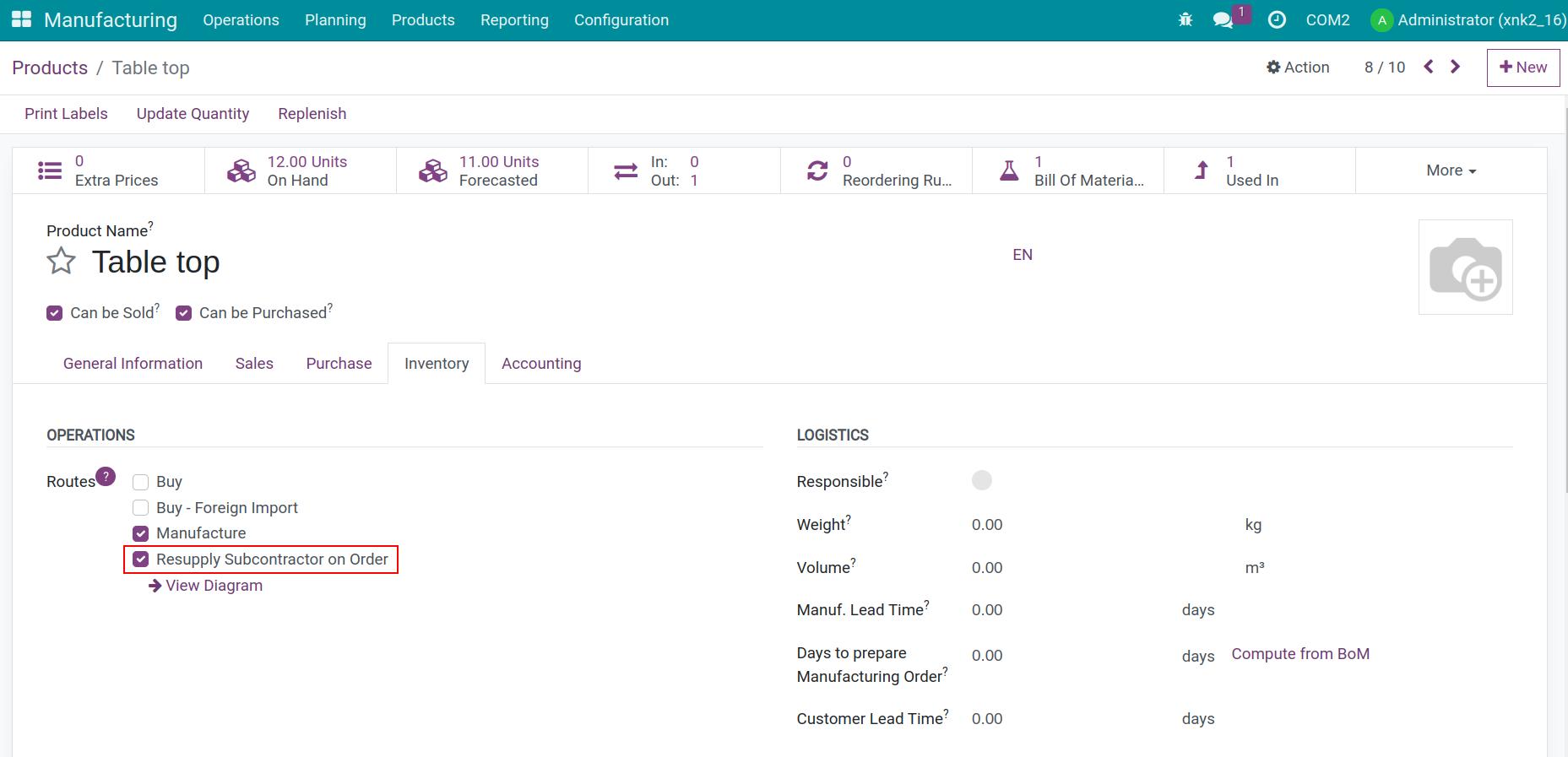
On the Inventory tab of each component you send to the subcontractor, tick the Resupply Subcontractor on Order route. Then confirming the purchase order creates the transfer that sends the components.
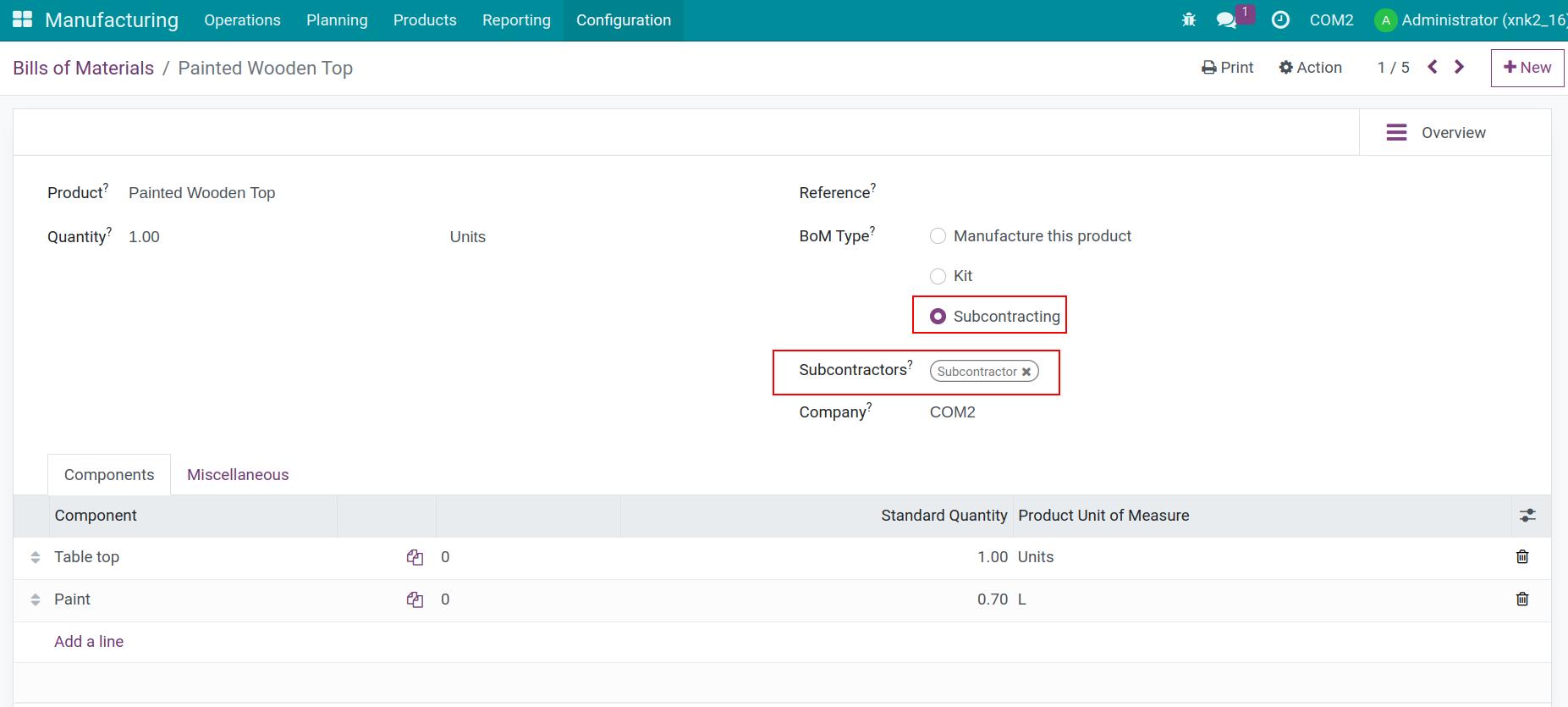
For example, the painted table top is subcontracted. Its bill of materials has the table top, a semi-finished product, and the paint: tick the route on both.
Tip
Add replenishment routes, such as a reordering rule, to create the purchase orders to the subcontractor automatically.
How do I set up the bill of materials?
Create the bill of materials of the subcontracted product with the BoM Type Subcontracting, choose one or more Subcontractors and add the components you send. Click Save.
Note
You do not run the production yourself, so you do not plan or follow it with your own manufacturing orders. The production of the subcontractor is recorded on the receipt.
The components are only what you send. What the subcontractor adds is part of its price.
What are the steps of subcontracting?
Create a purchase order to the subcontractor, or a subcontracting request.
Send the components to the subcontractor with the transfer created by the purchase order.
Receive the finished products with the receipt of the purchase order.
Record the costs and settle with the subcontractor.
Review the subcontracting reports.
Common errors
Problem |
What to do |
|---|---|
The Subcontracting BoM type is missing. |
Tick Subcontracting in Manufacturing ‣ Configuration ‣ Settings. |
No transfer sends the components when the purchase order is confirmed. |
Tick Resupply Subcontractor on Order on the components, and check that the vendor of the order is a Subcontractor of the bill of materials. |
Next steps
Manage subcontracts in the manufacturing process: run a subcontracting order.
Approving Subcontracting request: raise subcontracting from a manufacturing order.
See also
Related articles
Optional modules