
Sales and purchase invoice lists for Vietnamese companies
Requirements
This tutorial requires the installation of the following applications/modules:
This article is for accountants who list the invoices and documents of the goods and services their company sold and purchased in a month or in a quarter, on the Circular 99/2025/TT-BTC or Circular 133/2016/TT-BTC chart of accounts. Viindoo prints each list as an Excel file from the data of the posted invoices, bills and credit notes of the period.
Open an invoice list
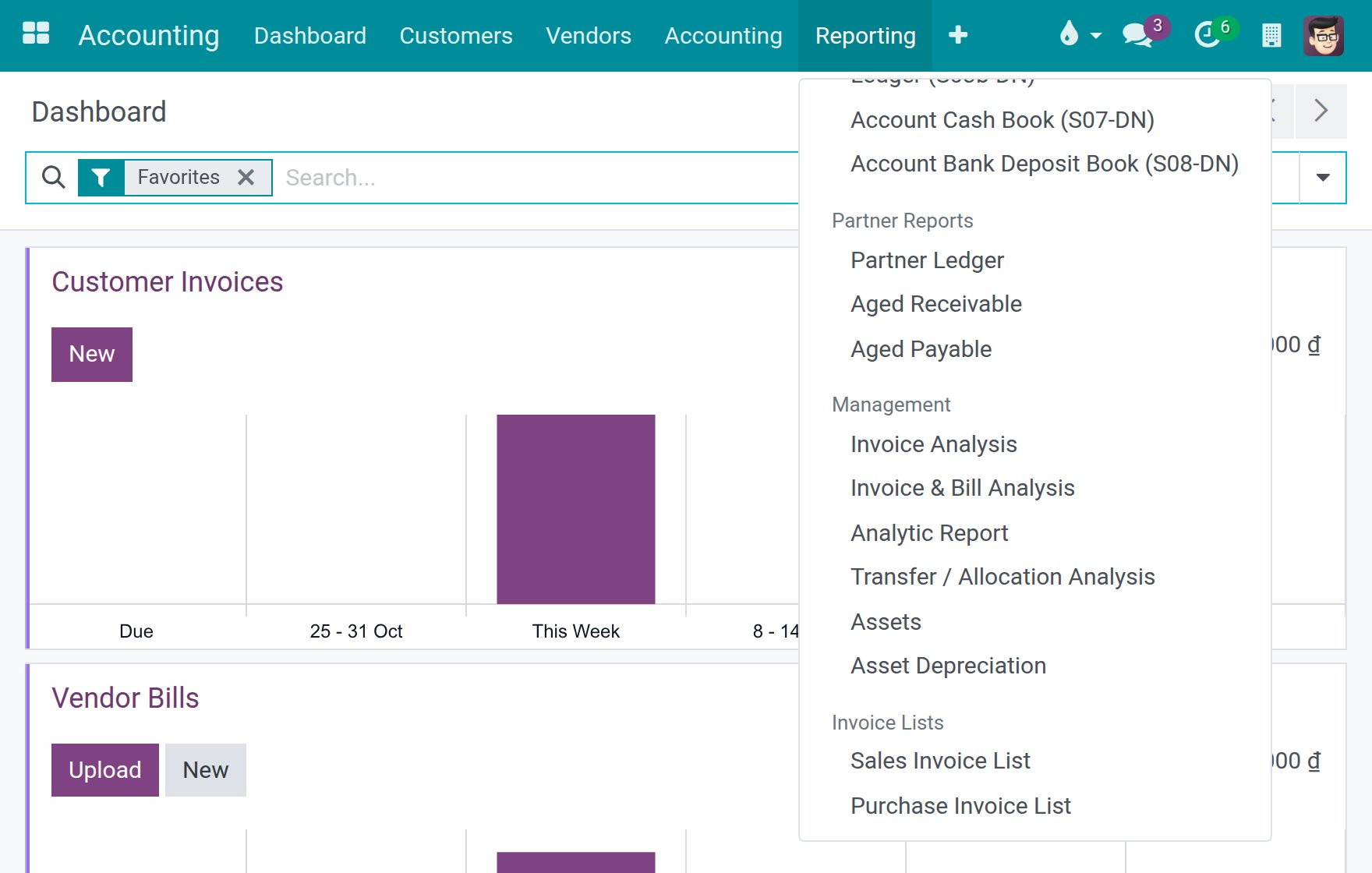
Go to Accounting > Reporting > Invoice Lists and choose:
Sales Invoice List, for the invoices and credit notes you issued to customers;
Purchase Invoice List, for the vendor bills and refunds you received.
Choose the period and print
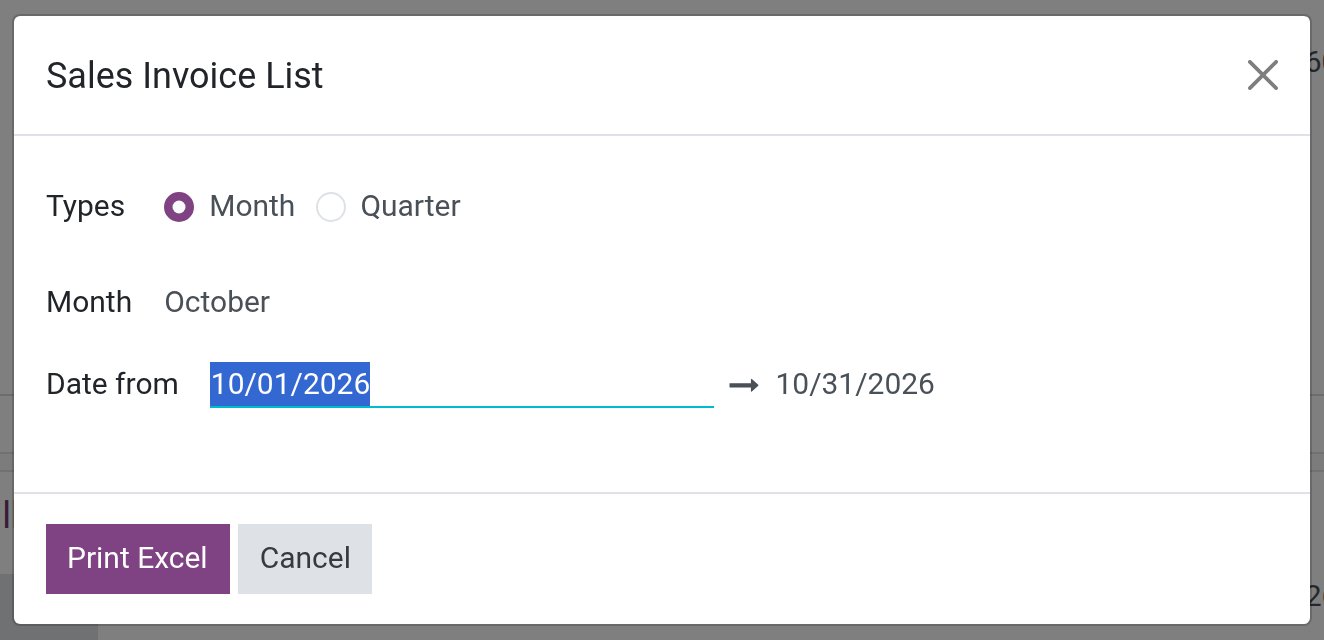
A dialog opens on the previous month.
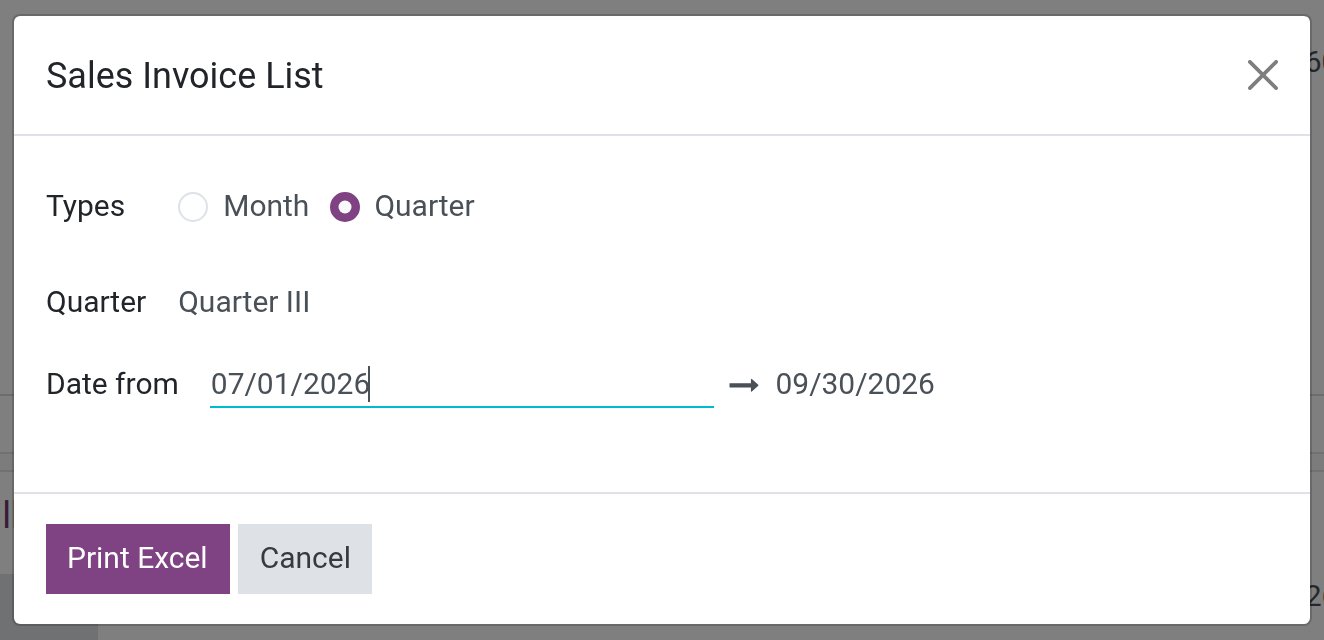
Keep Month under Types and pick another month if you need to, or choose Quarter and pick the quarter. The dialog then proposes the previous quarter.
Edit Date from and the end date next to it if you need any other period.
Press Print Excel to download the list.
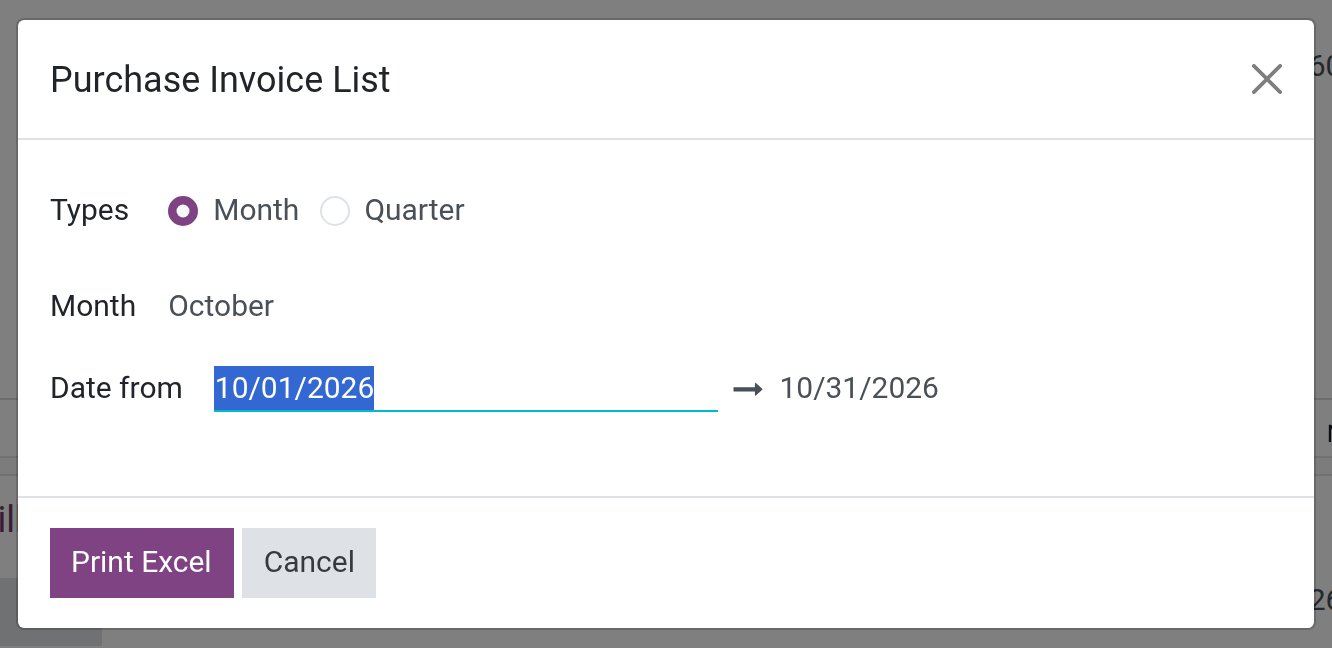
The Purchase Invoice List dialog works the same way.
The file is named after the list, for example Sales Invoice List.xlsx. It lists the posted invoices and credit notes of the company whose accounting date is in the period.
The sales invoice list
At the top, the file shows the company and its address, the title of the list, the period and the currency. The table has one row per invoice with its number, its date, the customer and the customer’s tax ID, the amount before tax and the tax. The invoices are grouped in sections, each one closed by a Total row:
VAT Exemption Goods & Services, first;
one section per VAT rate of the sales taxes of the company (0%, 5%, 8% and 10% on the Vietnamese charts of accounts): VAT Taxable Goods & Services.
Under the sections, the file gives the total of the amounts before tax and the total of the taxes of all the invoices, and it ends with the signature blocks of the preparer, the chief accountant and the director. A credit note counts with a negative sign.
A tax goes to the exempt section when its tax group has the option VAT Exempt switched on. Such a tax is not listed at 0%. The Vietnamese charts of accounts already mark their tax group of the goods and services that are not subject to VAT; to mark another group, see the option VAT Exempt in Taxes and tax rules configuration.
For example, an invoice for a service that is not subject to VAT of 15,000,000, and an invoice of 120,000,000 with a 10% VAT of 12,000,000 give two filled sections: the first invoice is in VAT Exemption Goods & Services, with a tax of 0, and the second one is in the section at 10%. The totals of the file are 135,000,000 before tax and 12,000,000 of tax.
The purchase invoice list
The file has the same header and the same columns, with the vendor and the vendor’s tax ID. The sections are the VAT deduction categories of the purchases. A purchase goes to its section by the analytic distribution of its bill line, with one section per analytic account of the plan Tax:
goods and services for production and business that are eligible for VAT deduction;
goods and services for production and business that are not subject to VAT;
goods and services for investment projects that are eligible for VAT deduction;
goods and services for production and business that are both taxable and not subject to VAT, which are eligible for VAT deduction.
A bill line that is spread over several accounts is split between the sections in the same proportion. The part of a line that has no account goes to the last section above, so no amount leaves the list. The four analytic accounts come with the Vietnamese chart of accounts; see the section on the analytic accounts for VAT deduction in Chart of Accounts.
For example, a bill of 90,000,000 with a VAT of 9,000,000 and an analytic distribution on the account for goods and services that are both taxable and not subject to VAT is in the fourth section, and a bill of 9,000,000 with a VAT of 900,000 distributed on the account for goods and services that are not subject to VAT is in the second one. The totals of the file are 99,000,000 before tax and 9,900,000 of tax.
The lists carry no form code.
Common problems
Problem |
Cause |
What to do |
|---|---|---|
An invoice or a bill is missing from the list. |
The list only contains the posted documents whose accounting date is in the period. |
Post the document, or change the dates of the dialog. |
An invoice at no VAT is at 0% instead of in the exempt section. |
The tax group of its tax is not marked VAT Exempt. |
Mark the tax group, then print the list again. |
A bill is in the section for goods and services that are both taxable and not subject to VAT. |
The line of the bill has no analytic account of the plan Tax. |
Set the analytic distribution of the bill line on the right account. |
The dialog opens on the wrong month. |
The dialog always starts on the previous month. |
Pick the month or the quarter you need before you print. |
See also
Related article