
Assign equipment with its parts and receive equipment as a set
A machine and its parts belong together. When you give the machine to an employee or a department, its parts follow it, so you never update them one by one. Equipment bought as a set, such as a CNC router with its dust extractor, is received from one purchase order line: the receipt creates the equipment of each component and the set that holds them as parts.
Who |
Maintenance managers (Maintenance ‣ Maintenance Manager), warehouse users who validate the receipts. |
App |
Maintenance, Purchase, Inventory |
Before you start
The parts of a machine are set as in Manage Equipments. With the Employees app, the Employee Equipment & Parts module installs itself.
For a set, install the Stock Equipment Bom Kit module. It needs the Manufacturing and Purchase apps.
The set and each of its components are products that create equipment on purchase, see Auto-create equipment when receiving products. The set has a bill of materials of type Kit with its components, see Application of BoMs in Viindoo Sales.
How do I give a machine and its parts to an employee?
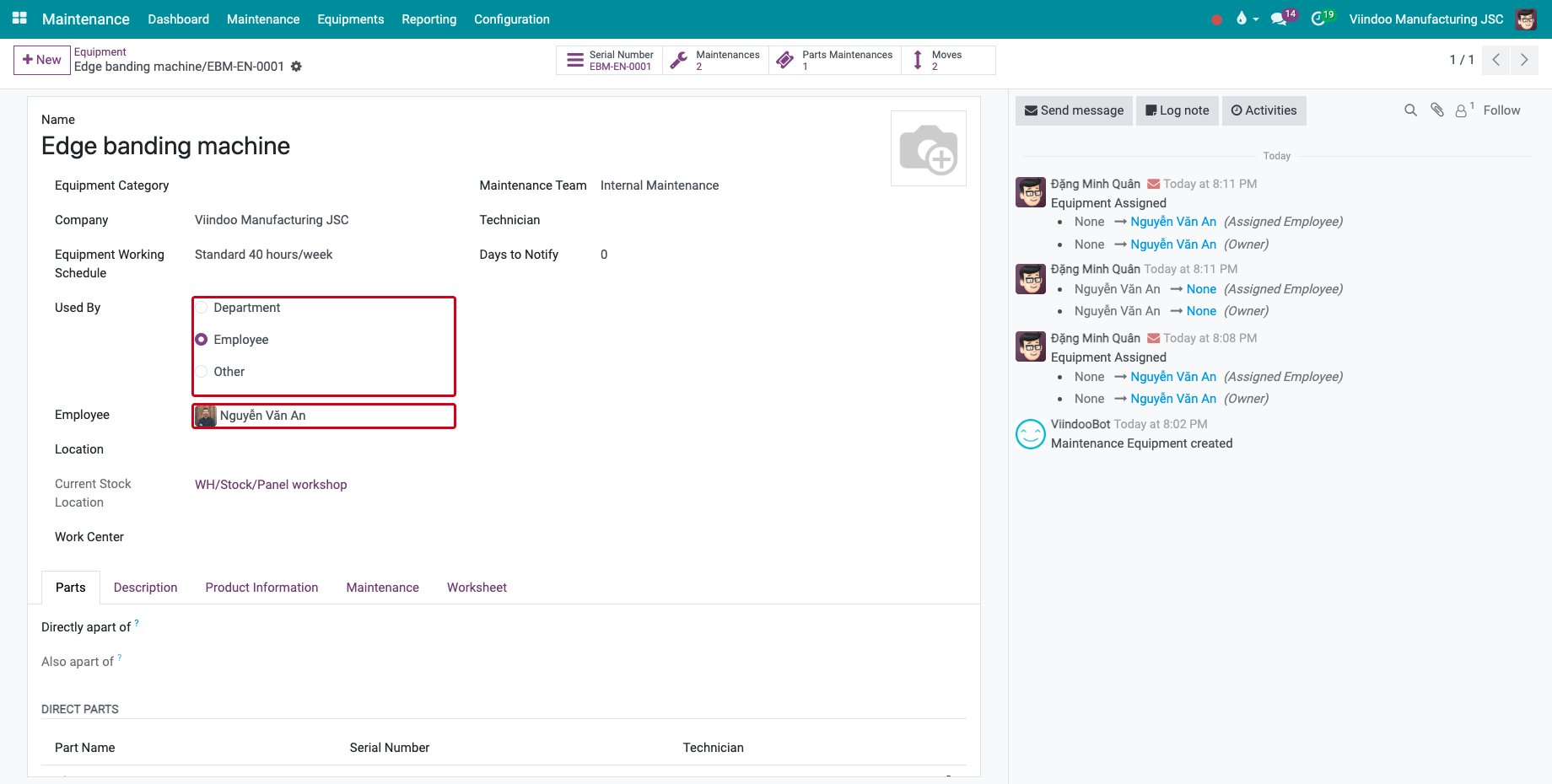
Open the machine in Maintenance ‣ Equipments ‣ Machines & Tools, set Used By to Employee and choose the Employee, then save. For a department, choose Department and the Department.
![The edge banding machine given to an employee]()
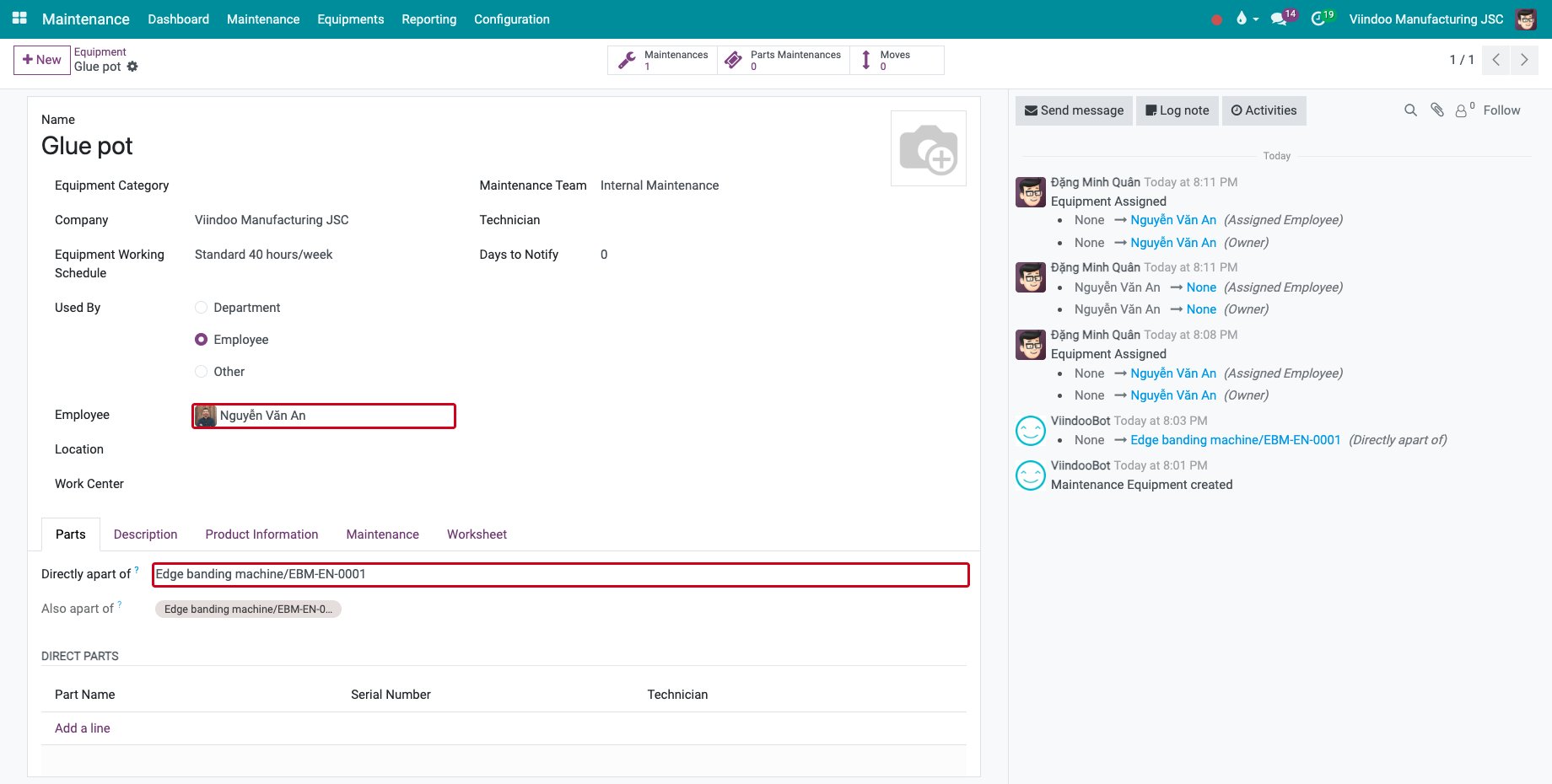
Open a part of the machine: Used By and the Employee are the ones of the machine, and so is the assignment date. The part keeps following the machine when it is given to someone else.
![The glue pot used by the same employee as its machine]()
How do I receive equipment bought as a set?
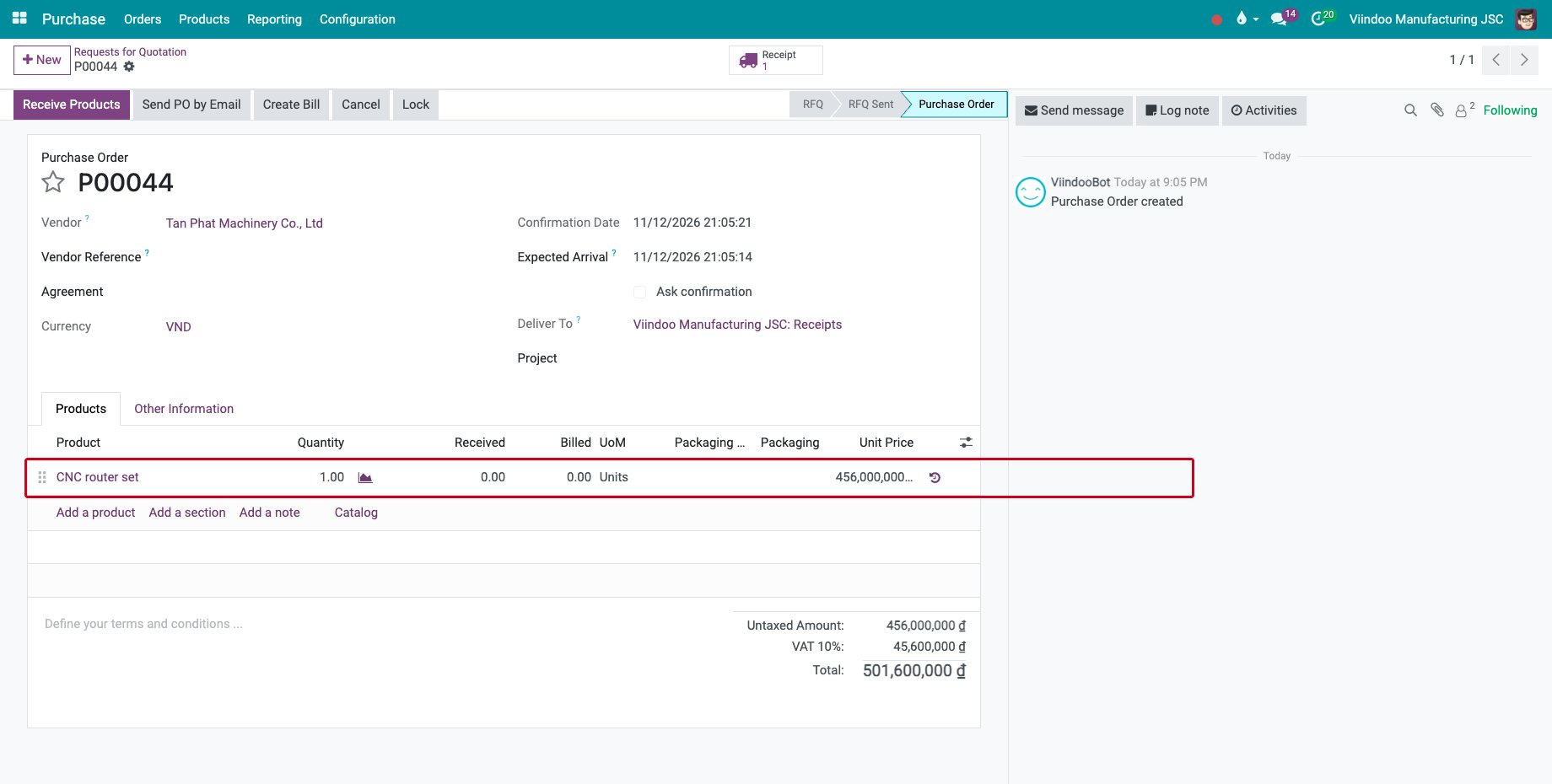
Buy the set on a purchase order, here one CNC router set, and confirm it.
![A purchase order of one CNC router set]()
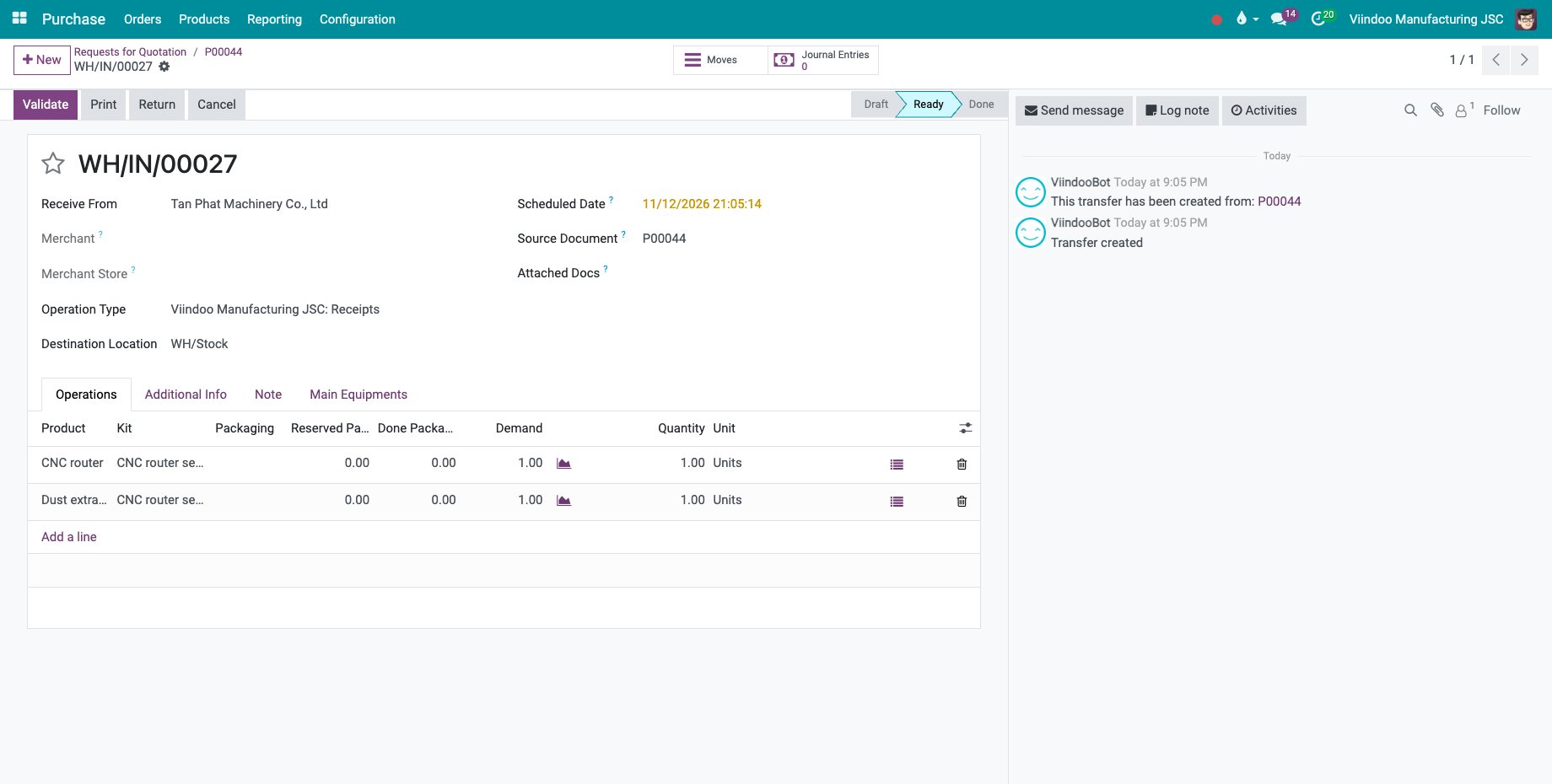
Open the receipt. The set is received as its components, one line each, with the set in the Kit column. Enter the serial number of each component.
![The receipt of the components of the set]()
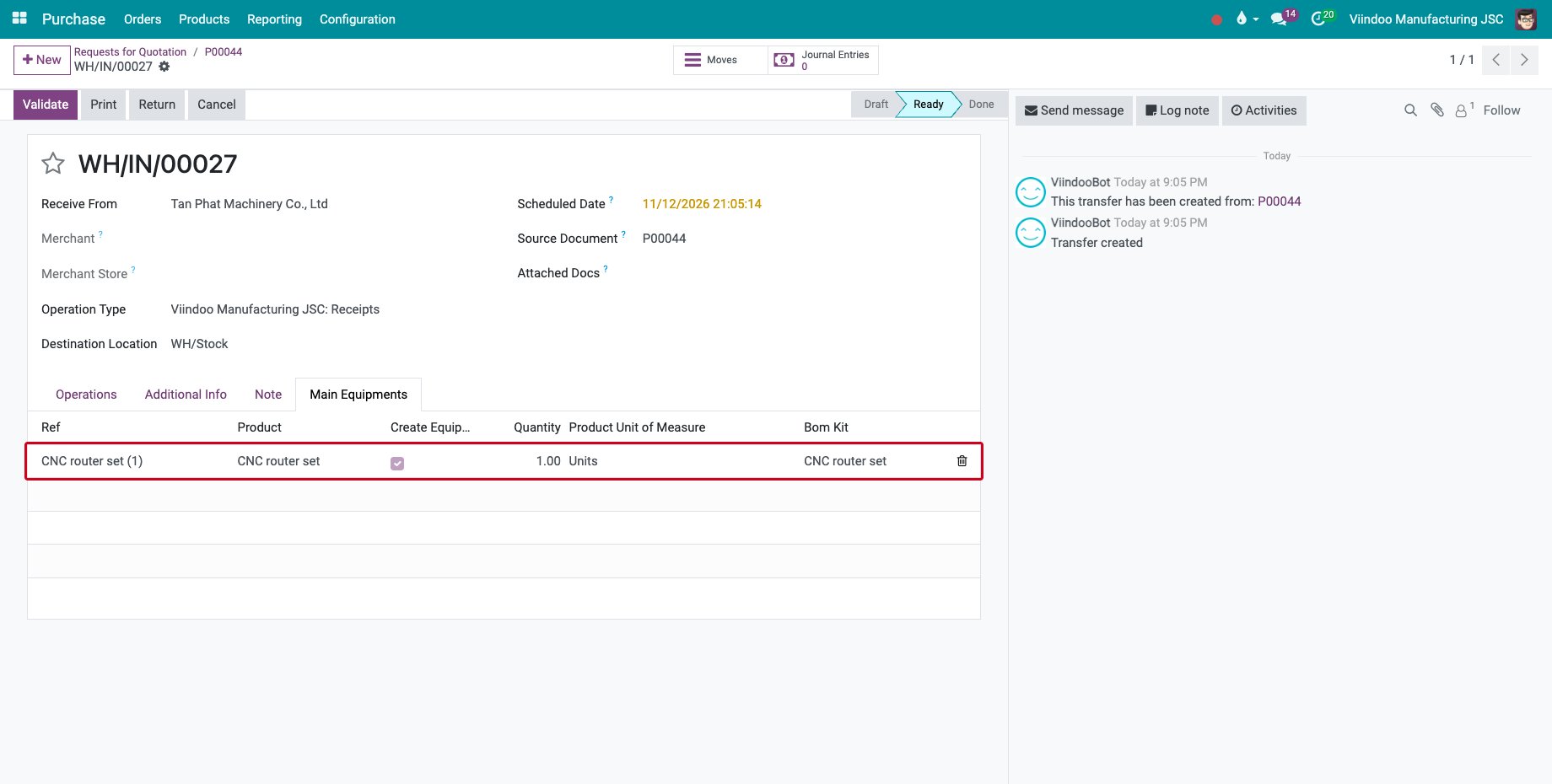
The Main Equipments tab lists one line per complete set received, CNC router set (1), with Create Equipment ticked.
![The Main Equipments tab of the receipt]()
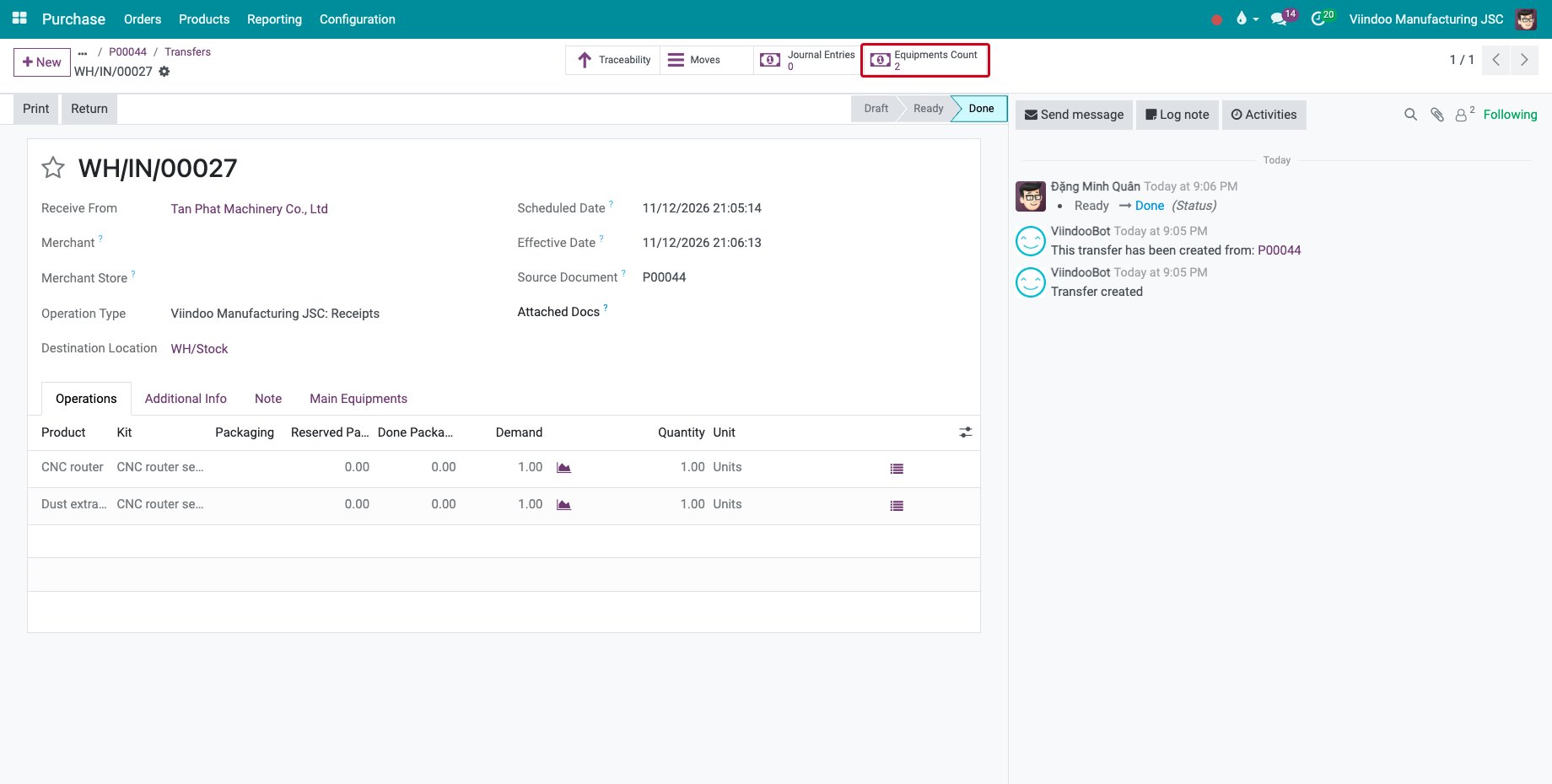
Click Validate. Equipments Count counts the equipment created for the components.
![The Equipments Count button of the validated receipt]()
The set is created as a piece of equipment too, named after the line of the Main Equipments tab, with the components as its Direct Parts and their serial numbers.
![The CNC router set with its two parts]()
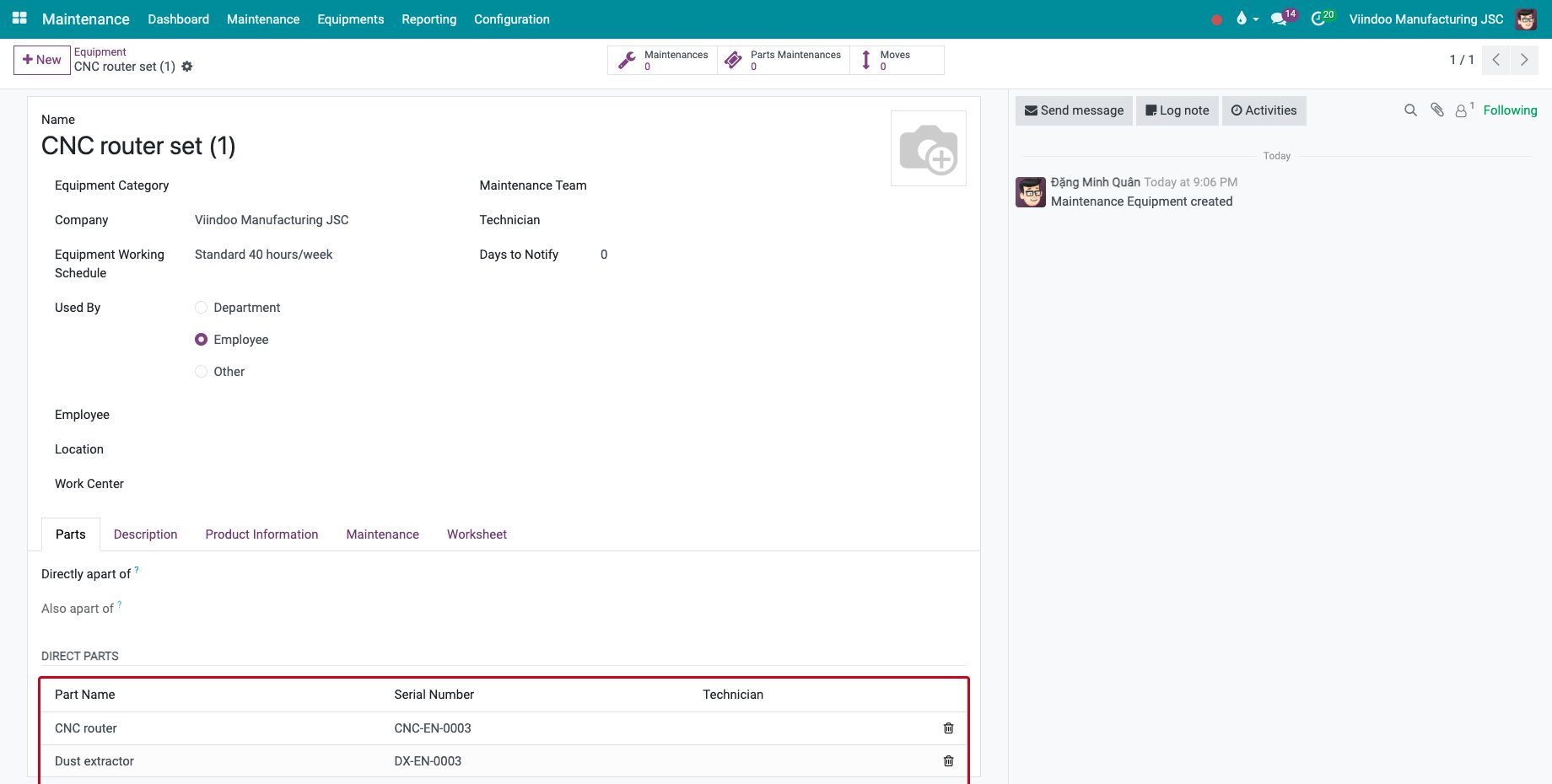
The set gets only its name. Fill in its Equipment Category and its Maintenance Team, then give it to an employee as above: its parts follow it.
Common errors
Problem |
What to do |
|---|---|
The part does not take the employee of the machine. |
Set the machine as Directly apart of on the part. |
The Main Equipments tab is empty. |
The set product needs a bill of materials of type Kit, and the receipt must come from a purchase order. A set is listed only when all its components are received. |
Create Equipment is not ticked on the set. |
Set the set product to create equipment on purchase, and allow equipment creation on the operation type of the receipt. |
Next steps
Equipment history by serial number: follow each component by its serial number.