
Engineering changes for subcontracted products
When a confirmed manufacturing order must be made by a subcontractor instead of your workshop, an engineering change order (ECO) of type Production with a subcontracting bill of materials does it in one step: the order is cancelled and a request for quotation is created for the subcontractor. A subcontracting request does the same through an ECO that it creates for you, so every move to a subcontractor is traced in the PLM app.
Who |
Engineers with the PLM ‣ User and Manufacturing ‣ Administrator access rights; purchasers who confirm the orders to the subcontractors. |
App |
PLM, Manufacturing, Purchase |
Before you start
Install the PLM and Subcontracting module. It installs itself when the PLM app and subcontracting with purchase are installed. With subcontracting requests, MRP Subcontracting Request - PLM installs itself too.
The product has a bill of materials of type Subcontracting with its subcontractors, see Introduction to Subcontracting in Viindoo.
Changing an order with an ECO is explained in Change the BoM of a manufacturing order in progress.
The example of this page is the oak wall shelf. Its subcontracting bill of materials, SUB, is made by Coating subcontractor A.
Which ECO type do the subcontracting changes use?
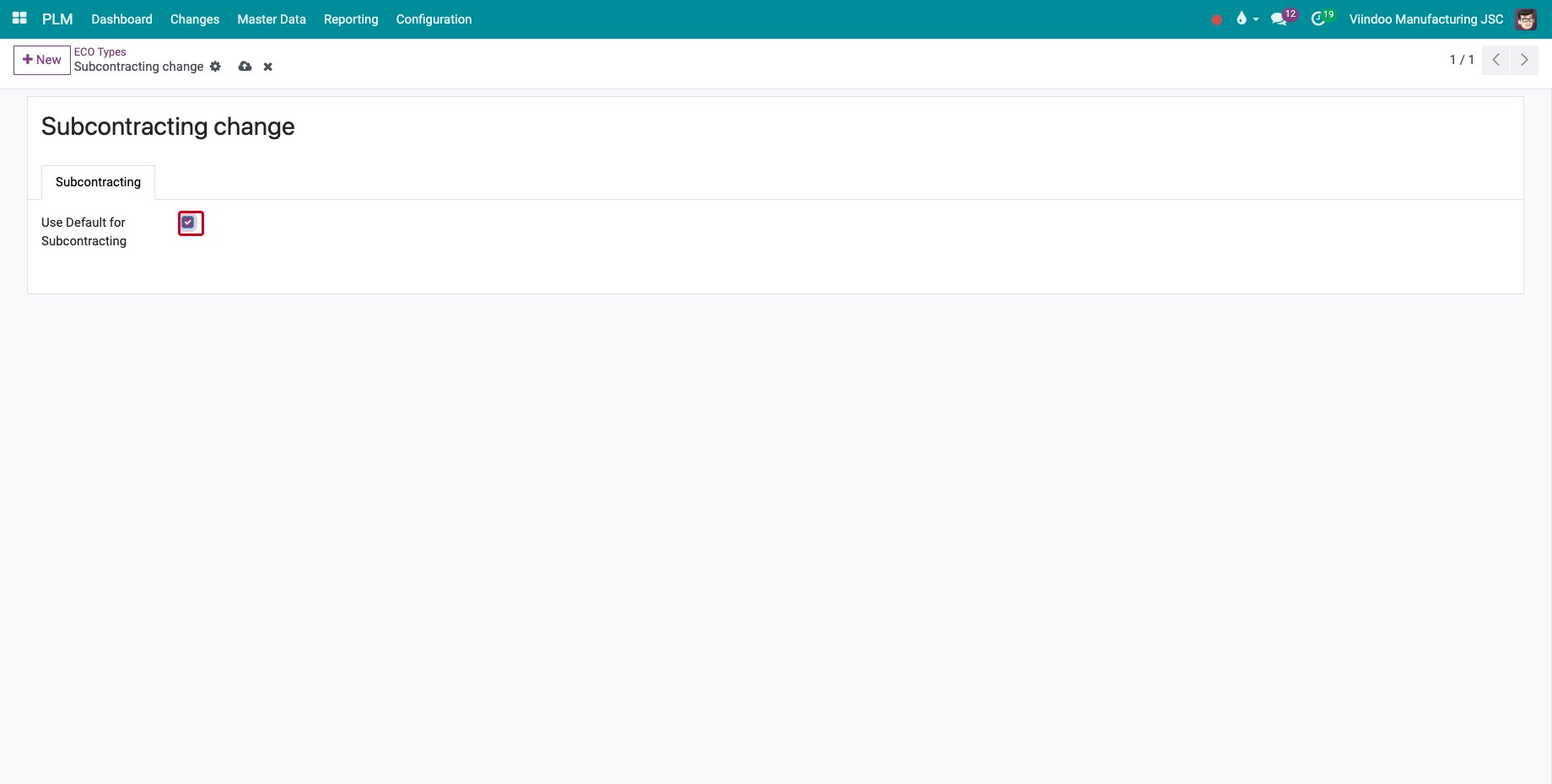
Go to PLM ‣ Configuration ‣ ECO Types, open the type and tick Use Default for Subcontracting on the Subcontracting tab. The ECOs that the subcontracting requests create use this type. Without one, they use the first ECO type.
How do I move an order to a subcontractor with an ECO?
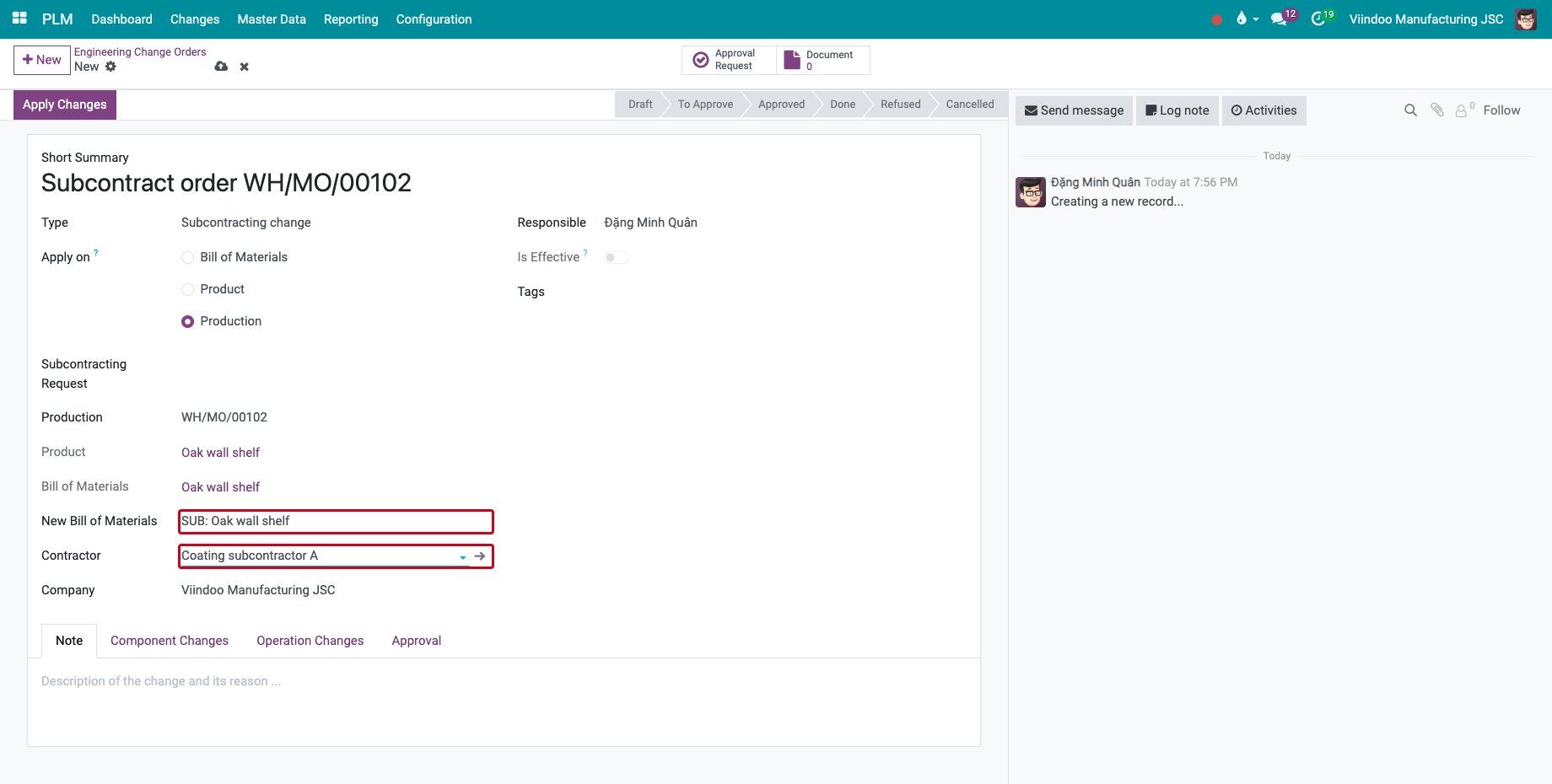
Create an ECO with Apply on set to Production, choose the manufacturing order in Production and the subcontracting bill of materials in New Bill of Materials. The Contractor field appears: choose one of the subcontractors of the bill of materials.
![An ECO with a subcontracting bill of materials and its contractor]()
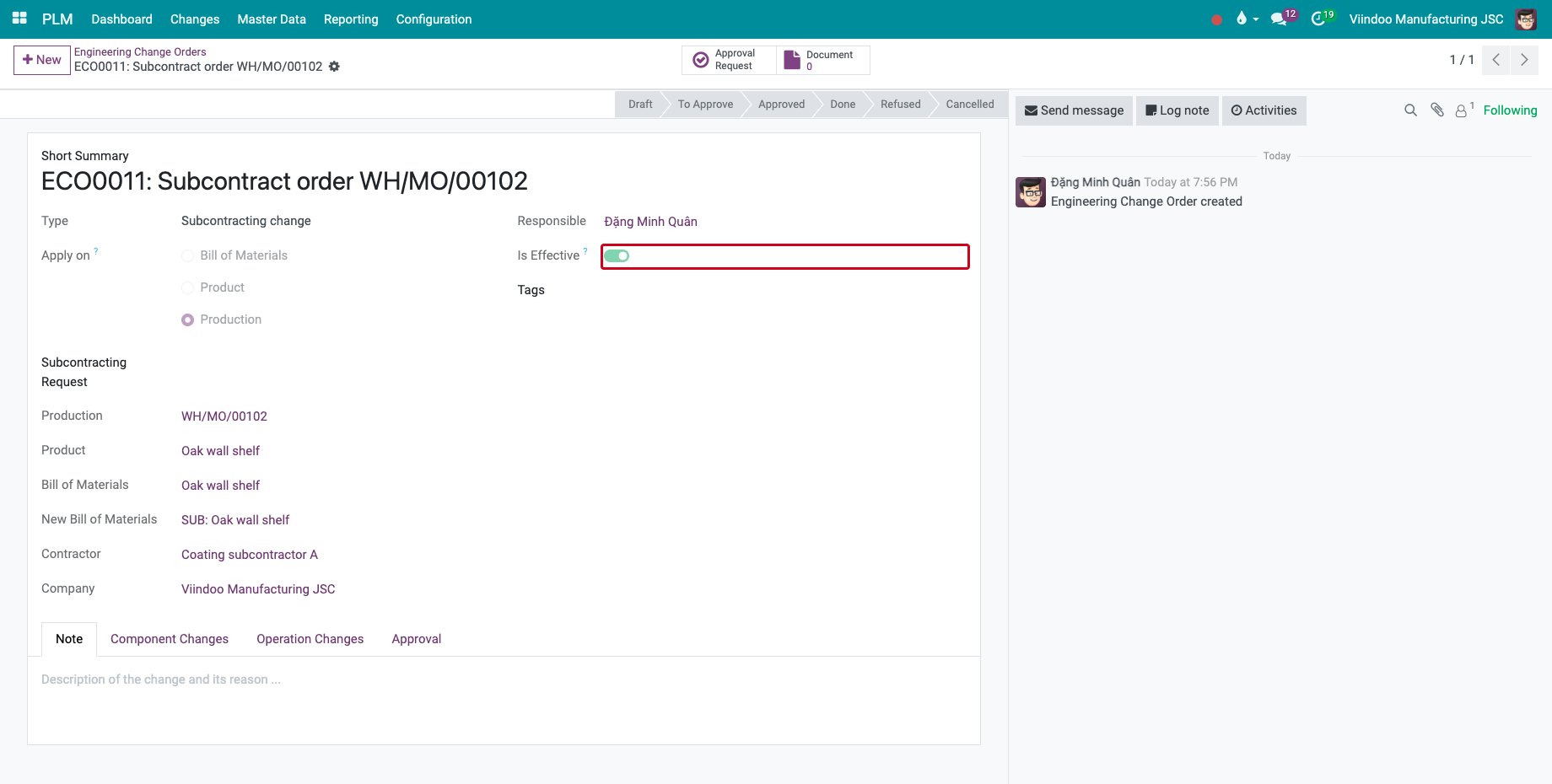
Save and click Apply Changes. Is Effective is ticked.
![The ECO applied to the order]()
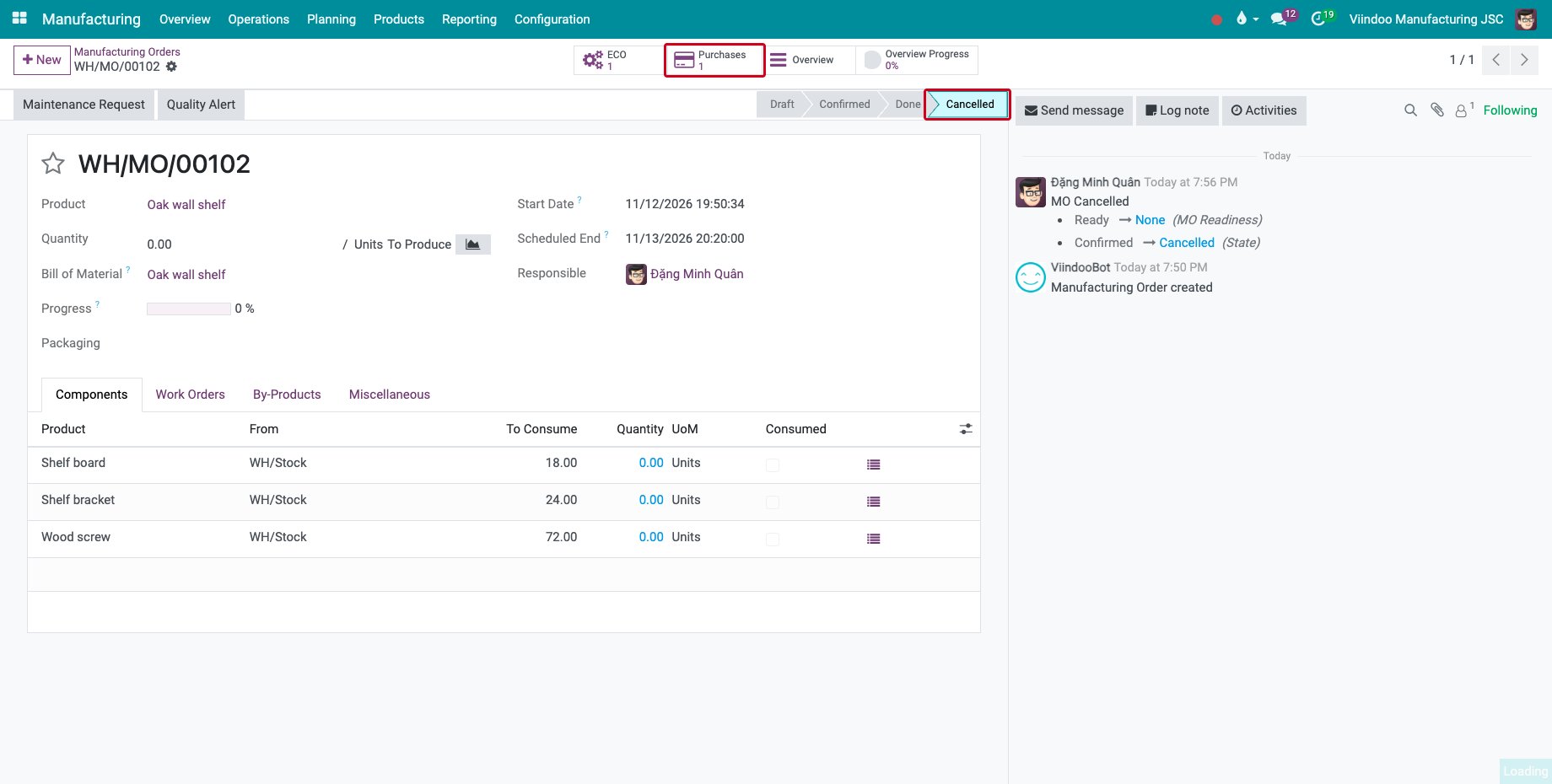
The manufacturing order is Cancelled, and its Purchases button opens the request for quotation to the contractor.
![The cancelled manufacturing order with its Purchases button]()
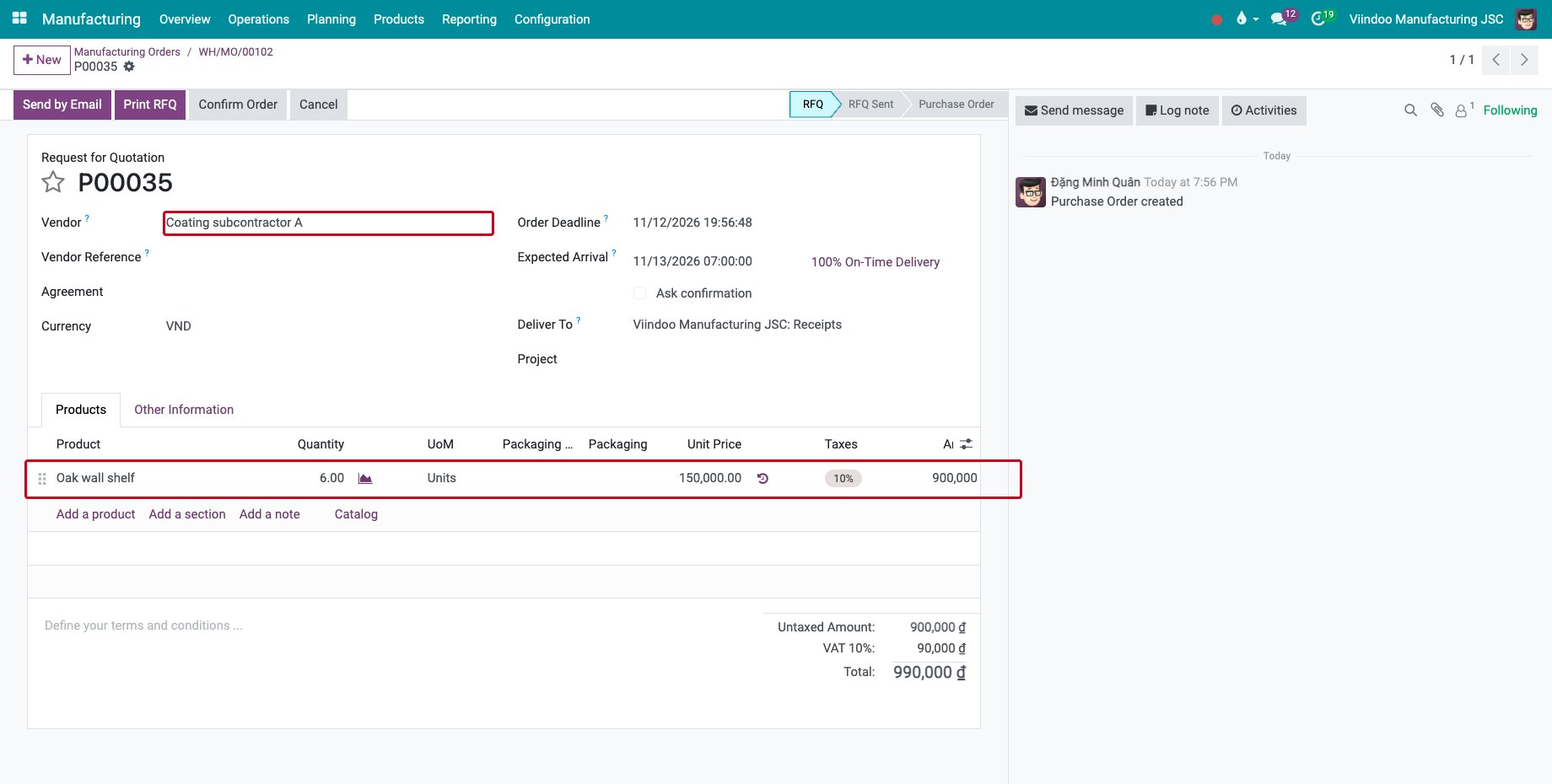
The request for quotation holds the product and the quantity of the order, at the price of the contractor in the vendor list of the product. Confirm it and go on with Manage subcontracts in the manufacturing process.
![The request for quotation to the subcontractor]()
What does a subcontracting request add?
A subcontracting request splits the order and creates the request for quotation, see Approving Subcontracting request. When the request for quotation is confirmed, the order of the subcontracted quantity is cancelled through an ECO that is created and applied for you.
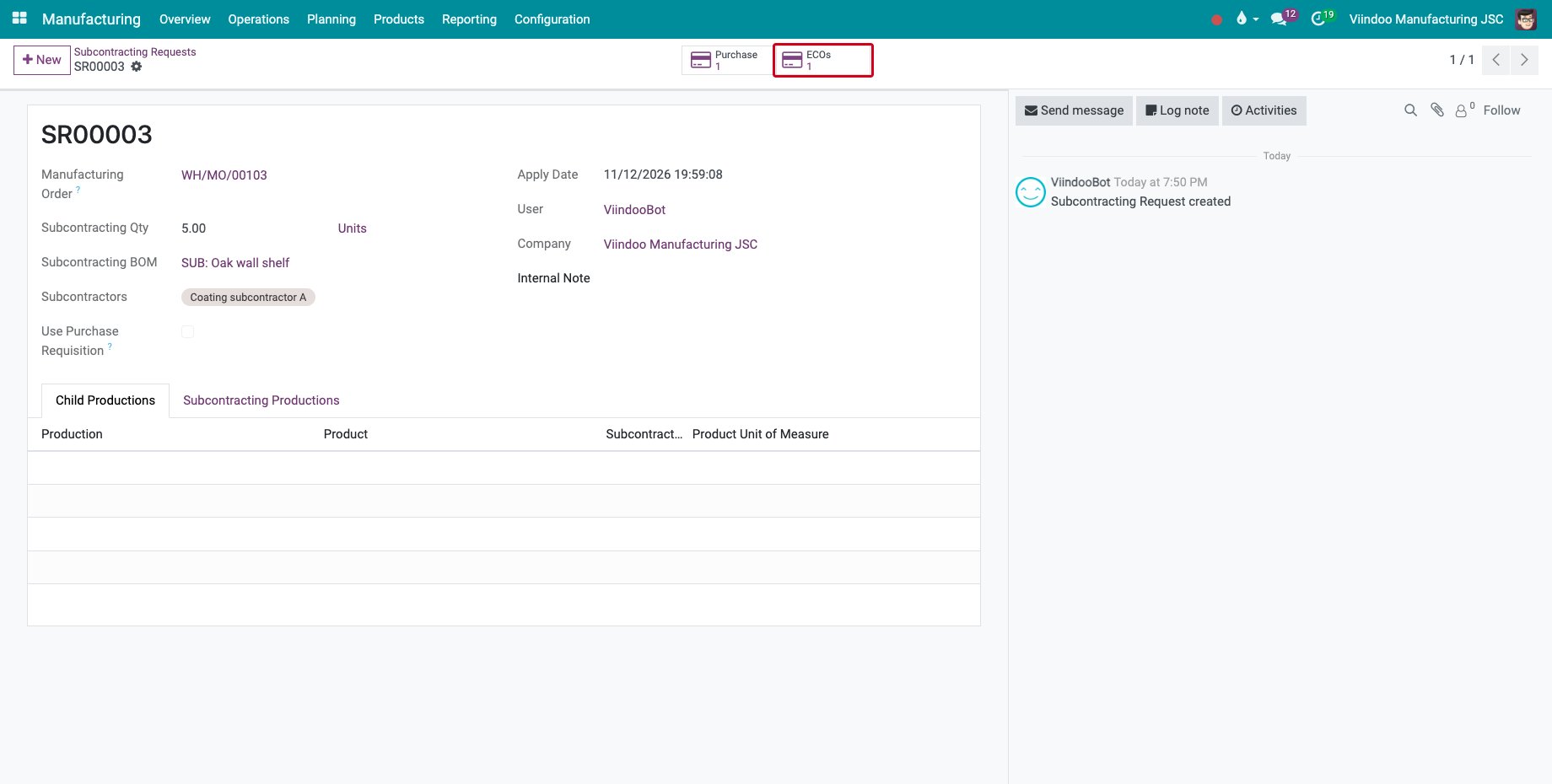
Open the subcontracting request: the ECOs button counts its ECOs.
![The ECOs button of a subcontracting request]()
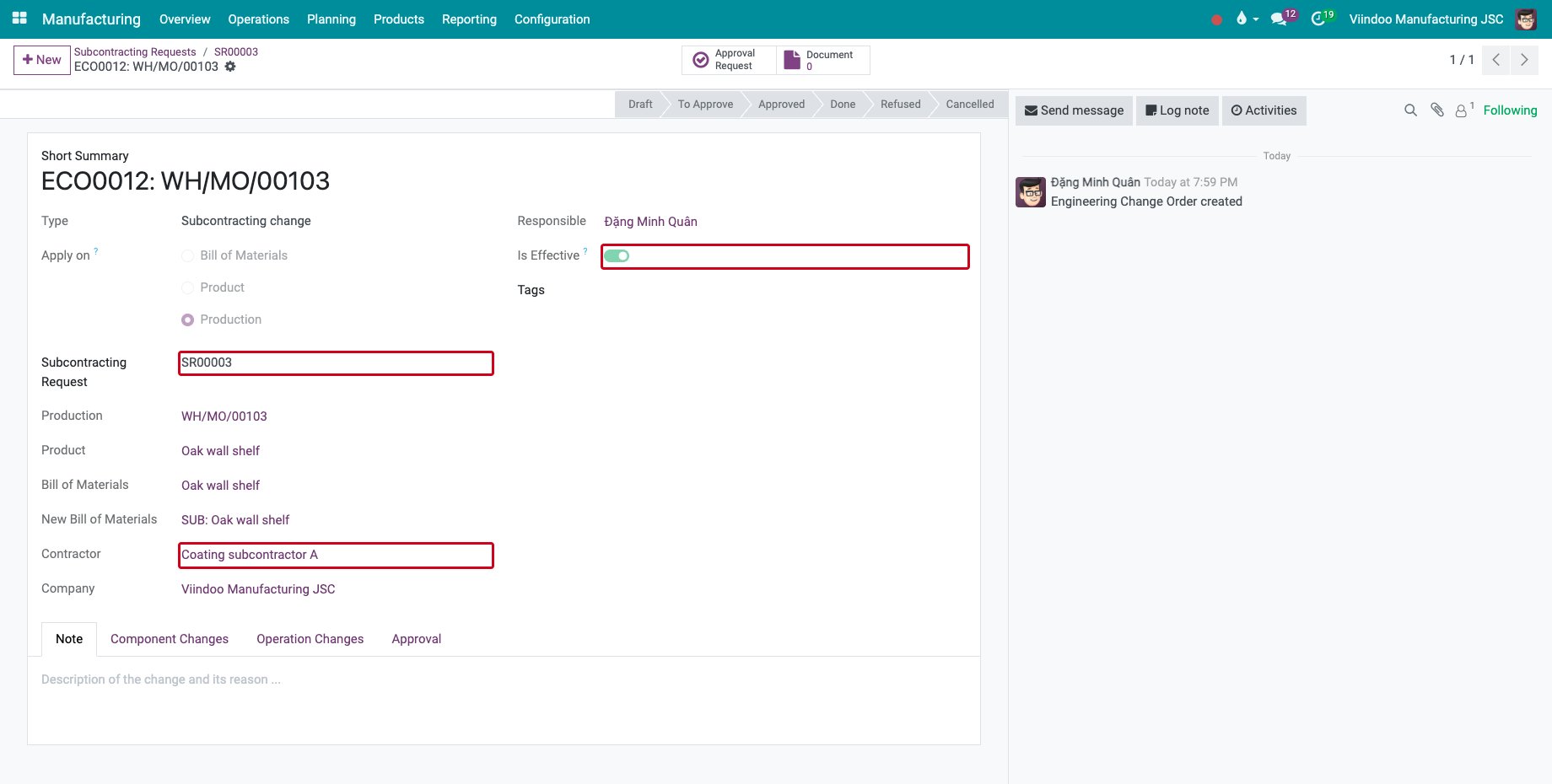
The ECO shows the Subcontracting Request, the order, the subcontracting bill of materials and the Contractor. It is already effective, and no second request for quotation is created.
![The ECO created from the subcontracting request]()
In PLM ‣ Changes ‣ Engineering Change Orders, group the ECOs by Subcontracting Request to see them together.
Common errors
Problem |
What to do |
|---|---|
The Contractor field is missing. |
Set Apply on to Production and choose a bill of materials of type Subcontracting. |
The Contractor list is empty. |
Add the subcontractors on the subcontracting bill of materials. |
“You can’t change BOM on production order when its operation is started.” |
Only an order that has not started can move to a subcontractor. |
The request for quotation has no price. |
Add the subcontractor and its price in the vendor list of the product. |
Next steps
Manage subcontracts in the manufacturing process: send the components and receive the products.
See also
Related articles