
VGM Entry (Verified Gross Mass)
Guide information
Required modules
The Verified Gross Mass (VGM) is the certified gross weight of a loaded container — required by the SOLAS Convention (Safety of Life at Sea) before the container can be loaded onto a vessel. Without a valid VGM submitted before the carrier's cutoff, the carrier will not load the container, causing a Rollover to the next sailing.
For Operations, this means: the moment the container is sealed (Stuffed milestone), the VGM clock is ticking. The window from Stuffed to VGM Cutoff is typically 12–36 hours.
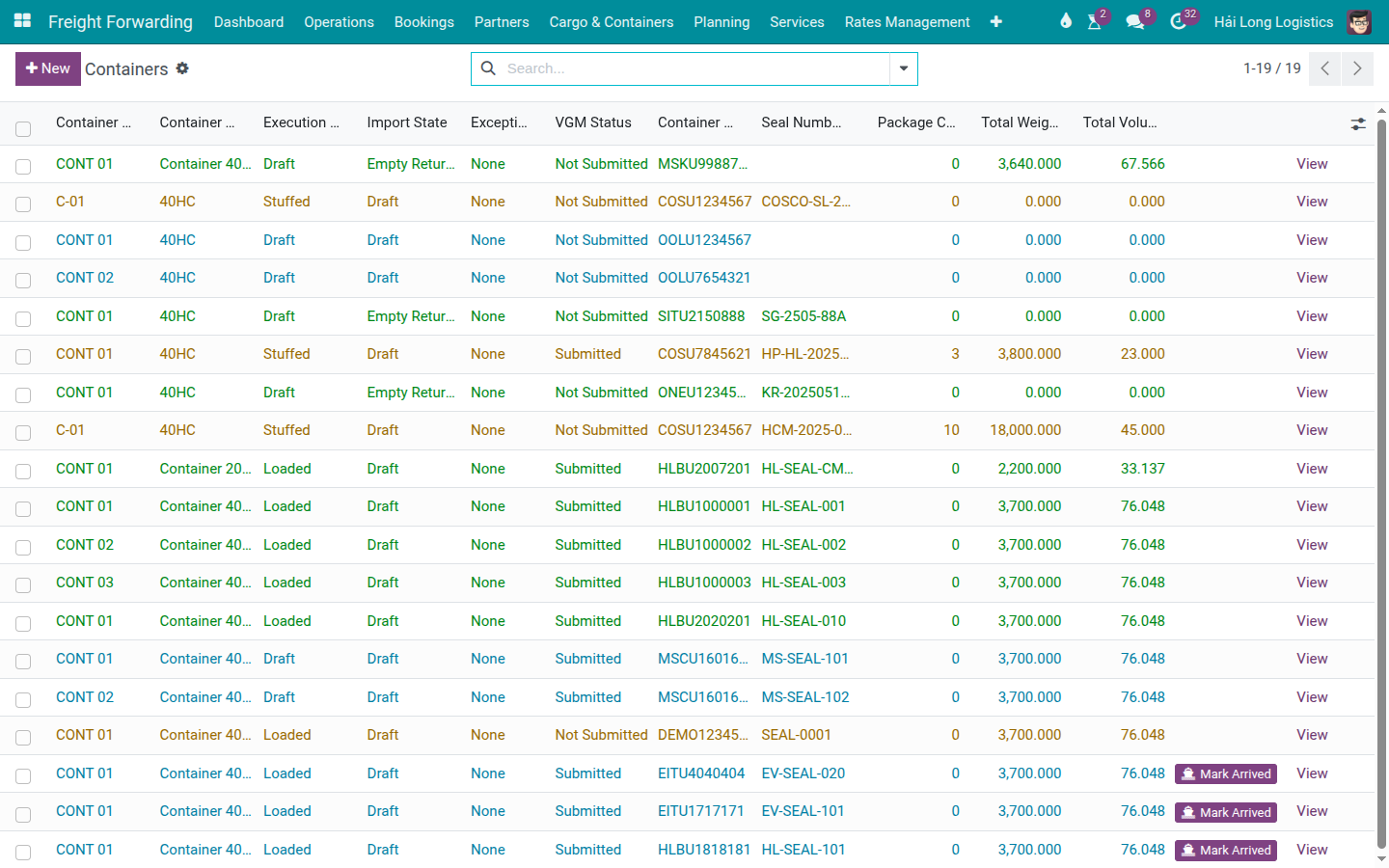
Scenario used throughout this guide: Nguyen Van C (Operations, Hai Long Logistics) submits VGM for container COSU1234567 (40HC) on shipment SHP/202505/00042 (Viet Nam Textile JSC, VNHPH → CNSHA, COSCO SHIPPING UNIVERSE voyage 025E).
Deadline schedule for this shipment:
Deadline |
Date / Time |
Consequence if missed |
|---|---|---|
SI Cutoff |
10/05/2025 14:00 |
MBL not issued before departure; B/L amendment fee USD 25–50. |
VGM Cutoff |
11/05/2025 09:00 |
Container not loaded; Rollover to next sailing (cost USD 200–500). |
CY Cutoff |
12/05/2025 (full day) |
Container refused at terminal; missed vessel. |
Xem thêm
Freight terminology (VGM, SM1, SM2, CY Cutoff, Roll Over): Industry Glossary
Container state machine (Stuffed → Gate-in workflow): Container Execution Milestones
Handling Rollover if VGM is missed: Rollover and Not Loaded (Container Exception)
Choosing the VGM method (SM1 vs SM2)
SOLAS defines two methods for determining VGM. Choose based on your equipment availability:
Method |
How it works |
Use when |
|---|---|---|
SM1 — Direct Weighing |
Weigh the fully loaded, sealed container on a calibrated weighbridge. The scale reading IS the VGM. |
A certified weighbridge is available at or near the CFS/warehouse. Preferred — most accurate. |
SM2 — Calculation |
Sum the weights of all individual cargo items (each with a certified weighing record) plus the tare weight of the container. VGM = sum of cargo weights + tare. |
No weighbridge available for the full container. Requires individual item weighing records. |
Fallback recommendation: If both methods are available, use SM1. It involves one scale reading and one document. SM2 requires individual weighing certificates for every cargo item — more paperwork and more risk of adding error.
Note: Viindoo does not have a field to select SM1 or SM2 in the system. Record the method used in a Chatter note for audit purposes. The VGM Weight field holds only the numeric result, regardless of method.
Step 1: Enter the VGM Weight
The VGM weight is the first thing Operations should record after the container is sealed. Do not wait until the day before VGM Cutoff — if there is a discrepancy (weight over the Maximum Gross Weight, tare error), there is no time to correct it.
Open the container record for COSU1234567 from the shipment's Containers smart button.
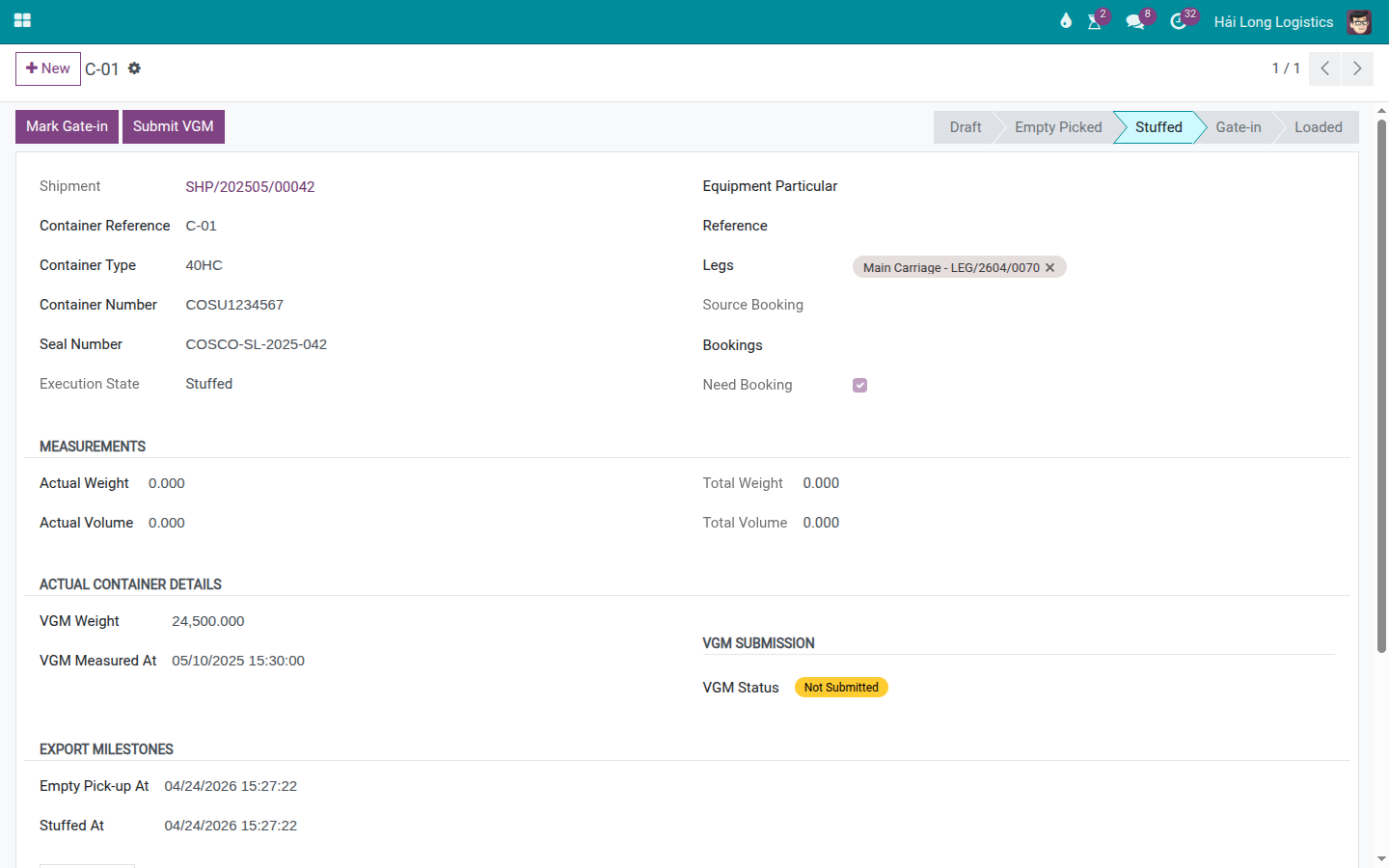
In the VGM section, fill in:
VGM Weight (kg): 24,500
This is the total gross weight including cargo, dunnage, and tare. Verify it is within the Maximum Gross Weight (MGW) printed on the container door (typically 30,480 kg for a 40HC). If VGM Weight > MGW, the container is overweight and the carrier will reject it.
Typical tare weight for a 40HC: 3,900–4,200 kg. Cargo weight in this scenario: ~20,300 kg. Total: 24,500 kg ≤ MGW 30,480 kg — acceptable.
VGM Measured At: 10/05/2025 10:30 — the time the weighbridge reading was taken (not the time you enter it into the system).
Cảnh báo
Do not confuse kilograms and metric tonnes.
Some weighbridge printouts show weight in metric tonnes (MT). COSCO requires VGM in kilograms. 24.5 MT = 24,500 kg. A common error: entering "24.5" instead of "24500" results in a VGM of 24.5 kg — the carrier's system will flag this immediately as implausibly low and reject the VGM. Always verify the unit before submitting.
Mẹo
Step 1 complete when:
VGM Weight = 24,500 kg (not 24.5, not 24500.0 MT).
VGM Weight > tare weight of the container (must be > 3,900 kg for 40HC).
VGM Weight ≤ MGW printed on the container door.
VGM Measured At reflects the actual weighing time, not the entry time.
Step 2: Submit VGM in the system
Submitting in Viindoo creates an audit record of who submitted and when. The VGM submission to the carrier (COSCO) is a separate step done outside the system (email, carrier portal or EDI).
The Submit VGM button is only available when the container is in one of these states: Stuffed, Gate-in, or Loaded. If the container is still in Empty Picked or Draft, the button does not appear — mark the container as Stuffed first.
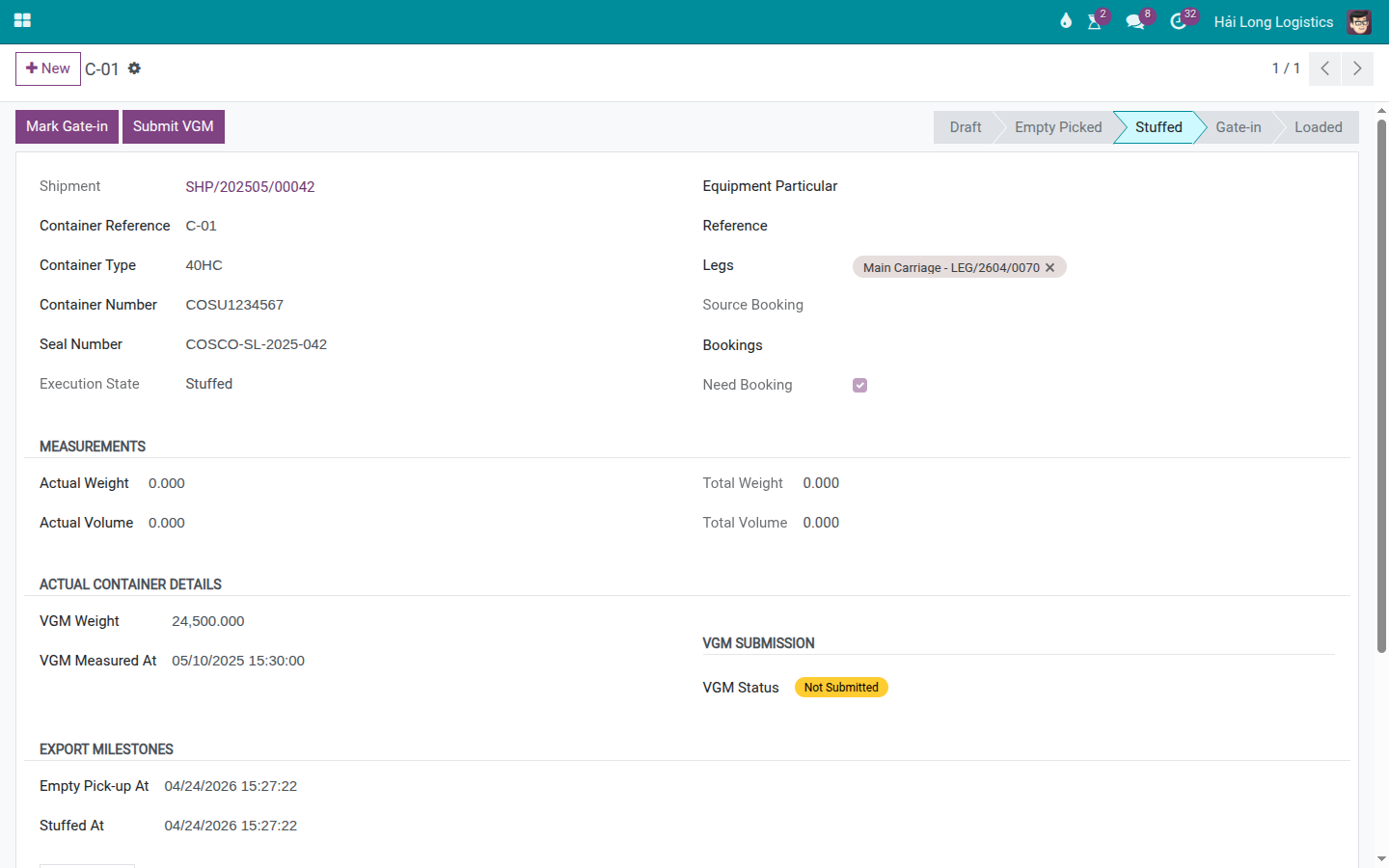
Click Submit VGM.
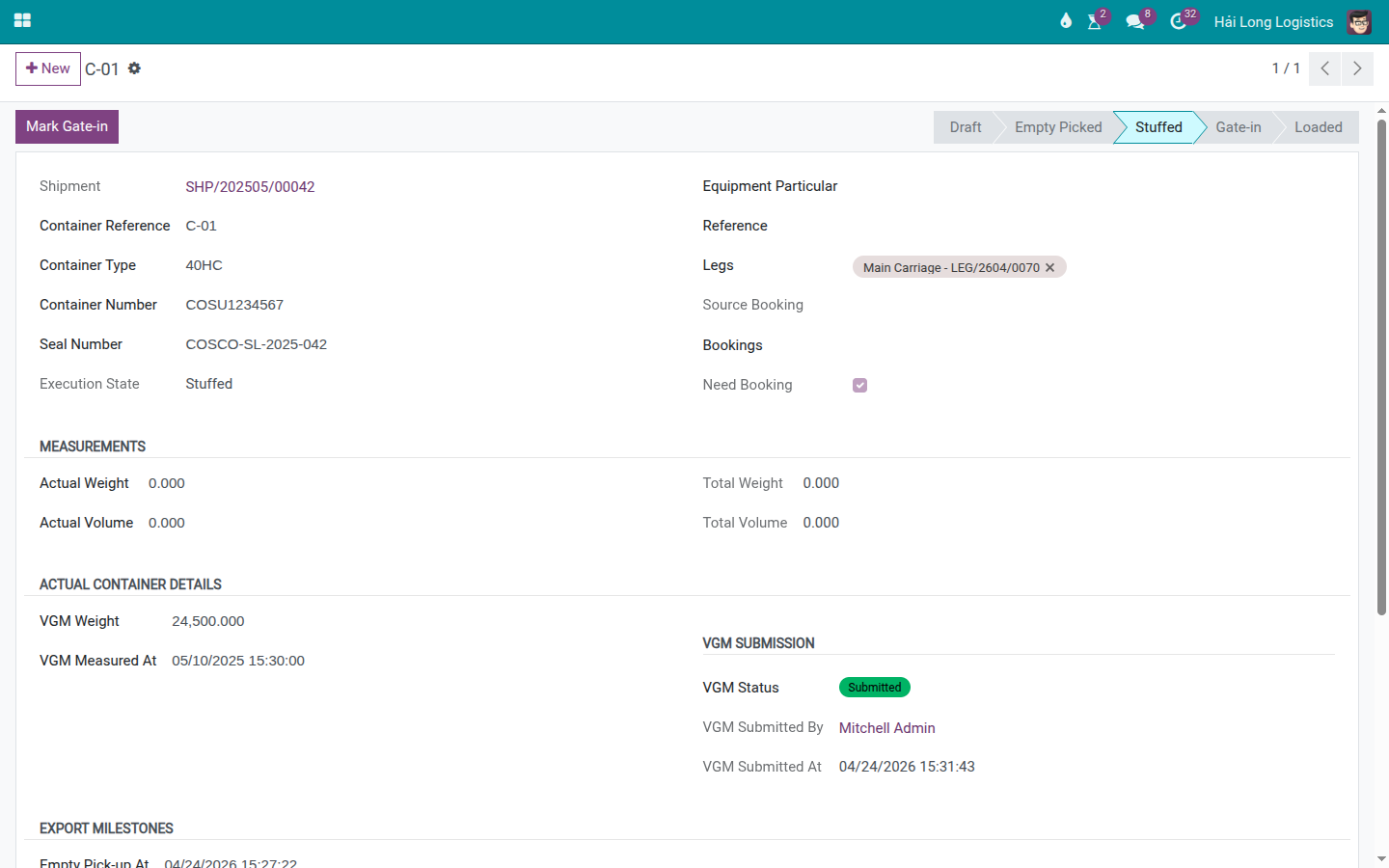
After submitting:
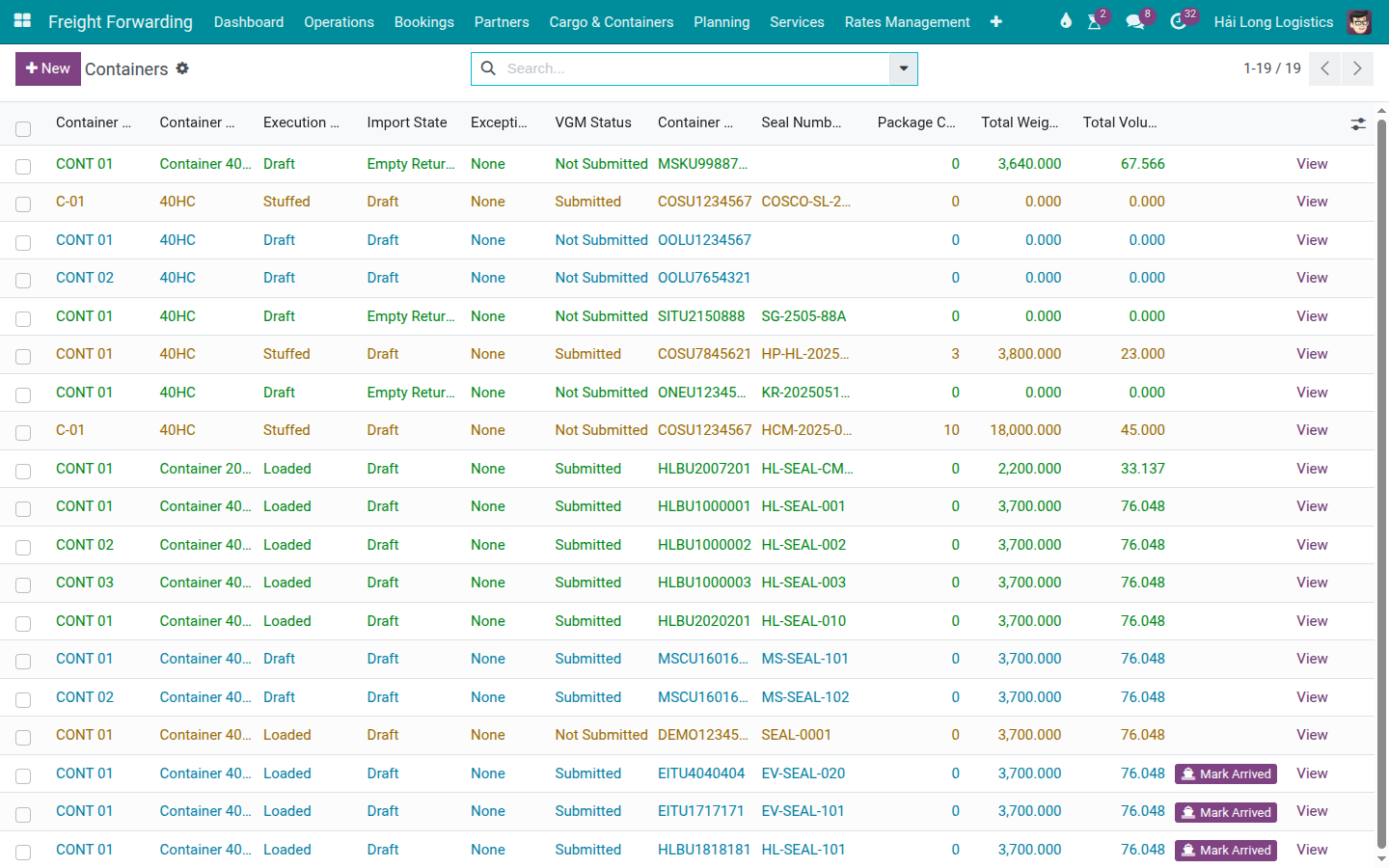
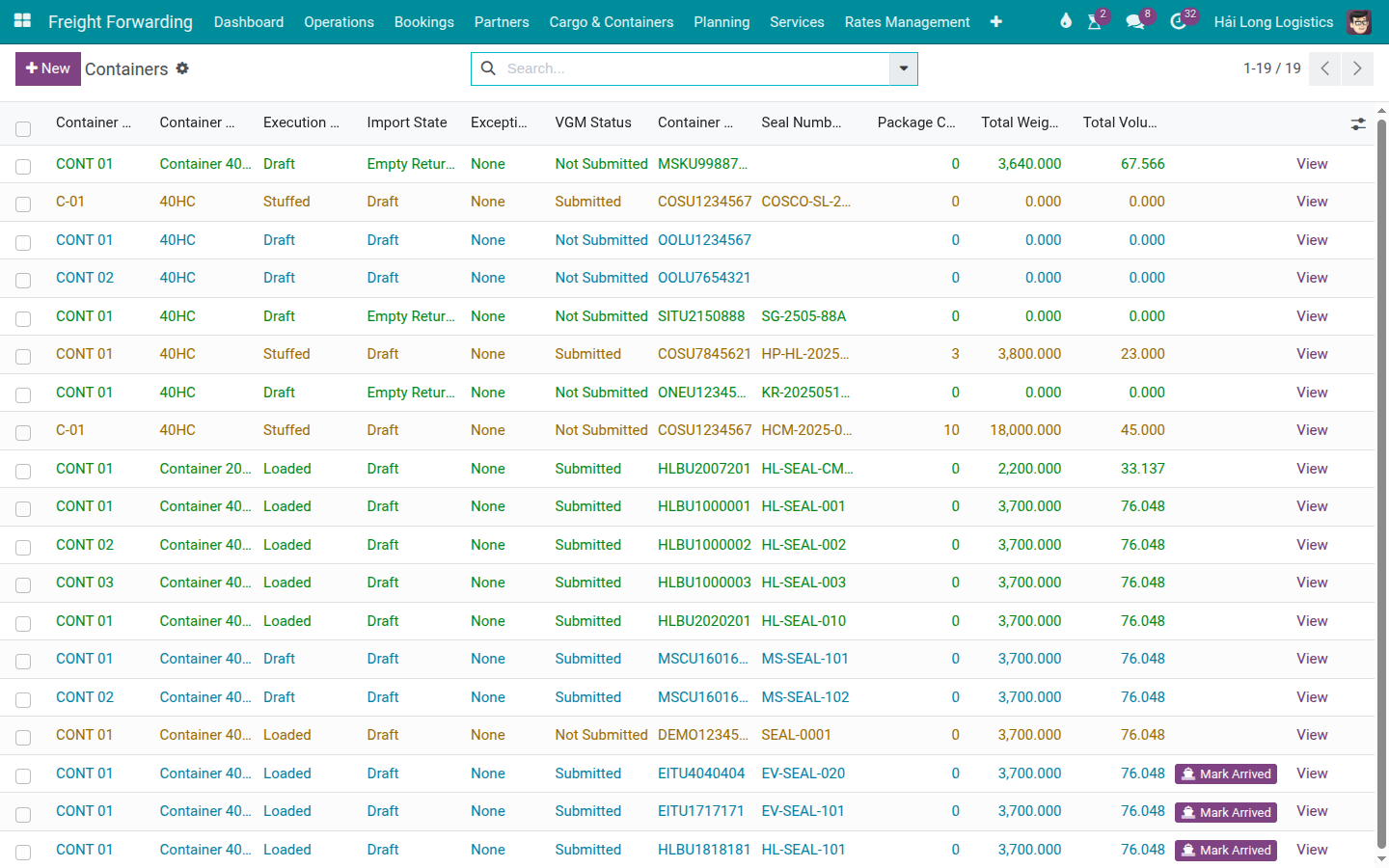
VGM Status changes to Submitted (green badge in the list view).
VGM Submitted At is automatically set to the current timestamp (read-only).
VGM Submitted By is set to the current user (read-only).
The Submit VGM button disappears — it cannot be clicked again once submitted.
Mẹo
Step 2 complete when:
VGM Status badge is green (Submitted) on the container form.
VGM Submitted At is before VGM Cutoff (11/05/2025 09:00 for this scenario).
VGM Submitted By = Nguyen Van C (the correct user, not a generic admin account).
Step 3: Submit VGM to the carrier (outside Viindoo)
Clicking Submit VGM in Viindoo does NOT send the VGM to COSCO. The actual submission to the carrier must be done separately through COSCO's VGM portal or by email.
Action outside Viindoo
Submit the VGM to COSCO through one of the following:
COSCO e-VGM portal: log in, enter booking reference, COSU1234567, VGM 24,500 kg, Measured At 10/05/2025 10:30, weigh method SM1.
Email: send the VGM declaration to COSCO's documentation team. Use the exact booking reference from the confirmed booking (e.g., ONE012345).
Keep the COSCO VGM confirmation (email or portal receipt) as the official proof of submission. This is required if COSCO raises a query about the VGM at gate-in.
Mẹo
Step 3 complete when:
COSCO has confirmed receipt of the VGM (email confirmation or portal status = Accepted).
The COSCO confirmation is saved or attached to the Chatter.
The container can now proceed to gate-in (CY Cutoff: 12/05/2025).
Step 4: Handle VGM amendment (if needed)
After the VGM is submitted, the Submit VGM button in Viindoo is gone. If the VGM weight needs to be corrected (re-weighing found a different value, cargo was added or removed):
Update the VGM Weight field directly on the container form (the field remains editable even after submission).
Update VGM Measured At to the new weighing timestamp.
Post a Chatter note explaining the reason for the amendment: "VGM amended from 24,500 kg to 24,200 kg — re-weighing after 3 pieces removed. New COSCO e-VGM submission reference: [portal ref]."
Resubmit to COSCO's VGM portal with the corrected weight.
Ghi chú
There is no "Resubmit VGM" button in Viindoo. The system records only one submission event (the first Submit VGM click). For amendments, update the weight field directly and maintain the audit trail through Chatter notes. The COSCO portal handles amendment submissions independently.
Troubleshooting
VGM Cutoff missed — container at Gate-in without VGM
Symptom: The VGM Cutoff has passed; VGM Status is still Not Submitted.
Resolution:
Contact COSCO immediately to check if a late VGM can be accepted (grace window is typically 1–2 hours from cutoff for some carriers).
If accepted: submit in Viindoo and then to the COSCO portal right away.
If too late: mark the container as Rolled Over and create a new booking for the next available voyage. See Rollover and Not Loaded (Container Exception).
Record the incident in the Chatter with timestamps and notify the customer.
Carrier rejects the VGM — weight appears wrong
Symptom: COSCO's portal shows the VGM as rejected (weight implausible or exceeds MGW).
Resolution:
Verify the unit: is the submitted weight in kg (not MT or lbs)?
Check the MGW printed on the container door. If VGM > MGW, the container is overweight and must be unloaded to reduce cargo weight before re-sealing and re-weighing.
Verify the tare weight used in SM2 (if applicable). Container tare should match the plate on the container door — tare values vary between containers.
Submit the corrected VGM to COSCO and update the weight in Viindoo.
Xem thêm
Container Execution Milestones — Container milestones (Stuffed, Gate-in, Loaded)
Rollover and Not Loaded (Container Exception) — Handling Rollover when VGM is missed or rejected
Carrier Booking (Sea) — Carrier booking where VGM Cutoff is set