
How to buy a product in a different unit of measure
When your vendor sells a product by the pack, box or roll but you count it by the unit, add the vendor’s unit to the vendor price of the product. RFQs and purchase orders then offer that unit and use its price, while sales and stock keep using the Unit of Measure of the product. Turn on Units of Measure & Packagings in the Purchase settings first.
Who |
Purchase administrators turn on the setting; buyers set the unit on the vendor prices of products. |
App |
Purchase |
Before you start
Install Purchase.
Tick Units of Measure & Packagings in (see below). Without it, the Unit column of the vendor prices and of the order lines and the Units & Packagings menu do not appear.
The unit you buy in must exist, for example Pack of 6 (6 Units). To create units, see How to use different units of measure on a product.
How do I turn on units of measure?
Go to Purchase ‣ Configuration ‣ Settings.
In Products, tick Units of Measure & Packagings and click Save.
The Unit column now appears in the vendor prices of products and in the lines of RFQs. The button Units & Packagings opens the list of units, also available from Purchase ‣ Configuration ‣ Products ‣ Units & Packagings.
How do I set the unit of a vendor price?
Go to Purchase ‣ Products ‣ Products and open the product, or click New.
On the Purchase tab, click Add a line in the vendor table.
Choose the Vendor, then the Unit you buy in, for example Pack of 6, and enter the Unit Price of one pack, for example 72.00. Save.
![Vendor table of the Purchase tab with a price per Pack of 6 next to the prices per Unit]()
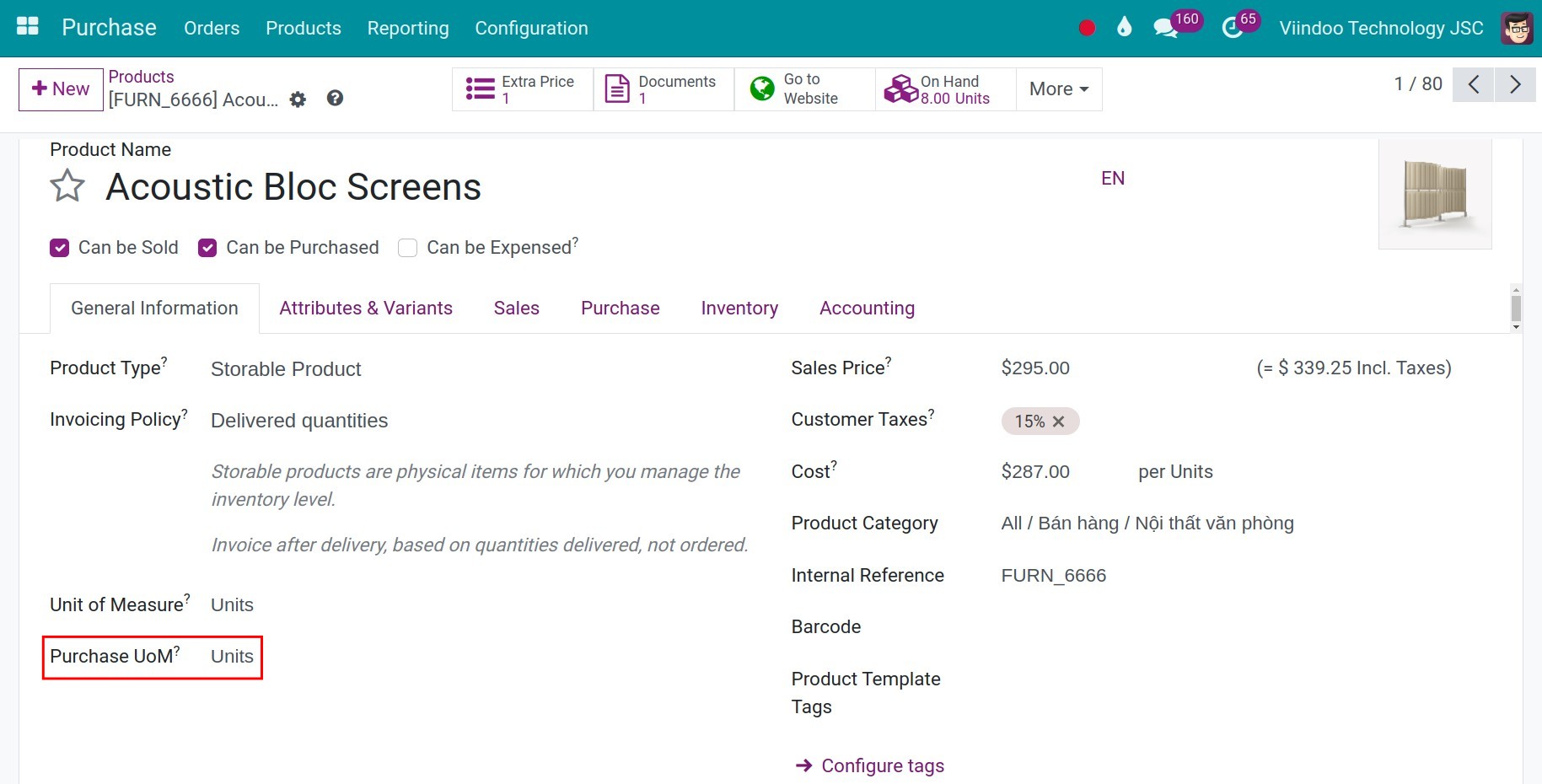
The Unit of a vendor price is the unit that Unit Price refers to. A product keeps one line per unit and per quantity break: the line in Units stays as it is.
How is the unit used on an RFQ?
Create an RFQ for that vendor and add the product.
In the Unit column, choose Pack of 6. Viindoo fills in the price of one pack from the vendor price. Enter the Quantity in that unit, for example 10 packs.
![RFQ line with the quantity in packs of 6 and the price per pack]()
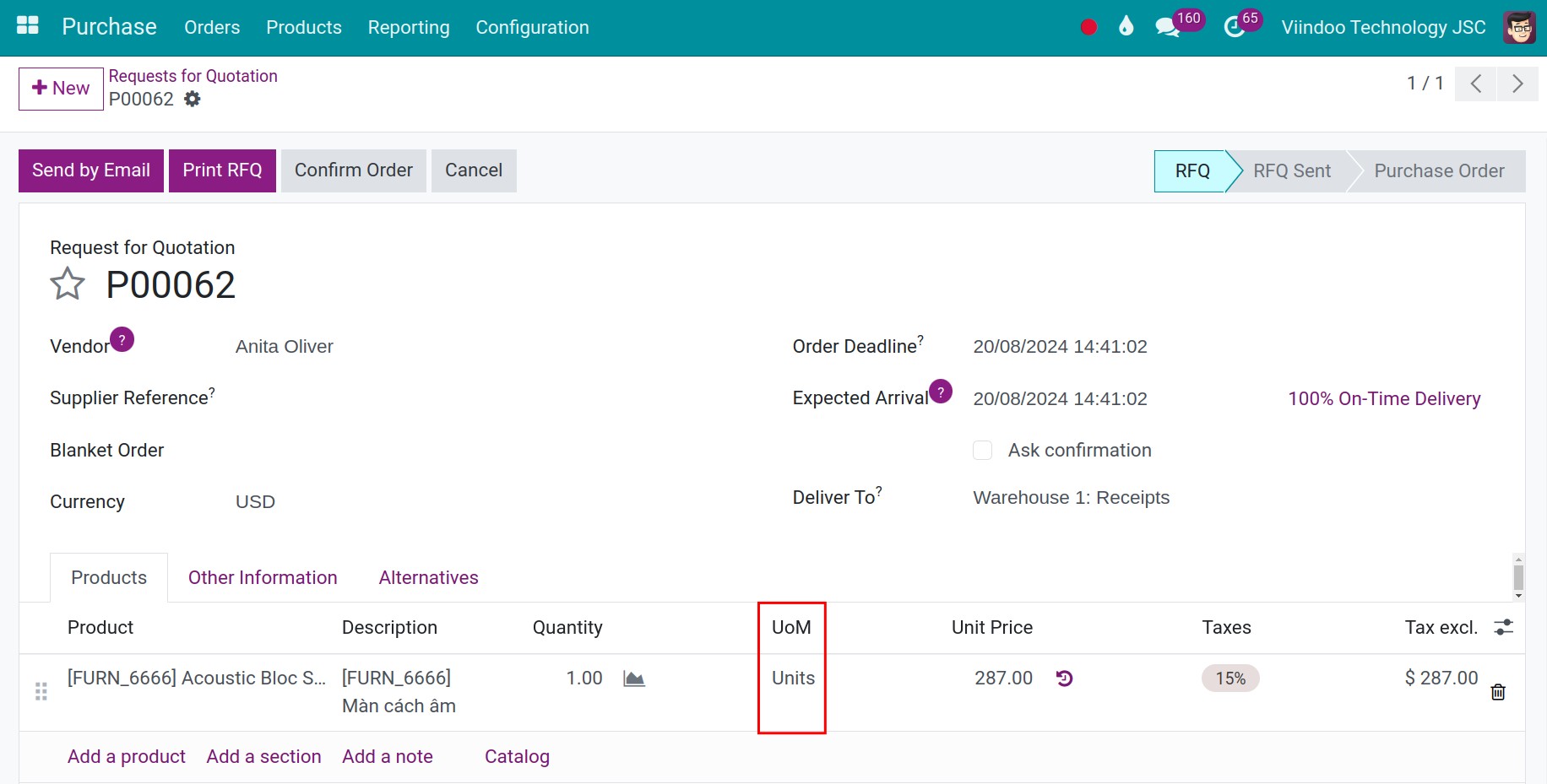
You should now see the quantity, the price and the amount in the unit you chose (10 packs x 72.00 = 720.00). The unit list of a line offers the unit of the product, its packagings and the units of its vendor prices. When you choose a unit that has no vendor price, the price of another line is converted to that unit. The stock is counted in the Unit of Measure of the product: 10 packs of 6 are 60 units.
Common errors
Message |
What to do |
|---|---|
The Unit column is missing in the vendor prices or in the RFQ lines. |
Turn on Units of Measure & Packagings in Purchase ‣ Configuration ‣ Settings. |
The unit I want is not offered on the RFQ line. |
Add it to a vendor price of the product, or as a packaging of the product (Sales tab), then choose it again. |
The RFQ price is 6 times too high or too low. |
The vendor price was entered for the wrong unit. Correct the Unit or the Unit Price of the line on the Purchase tab. |
Next steps
How to set vendor prices for a product: set vendor prices and quantity breaks.
How to create a purchase order: send the RFQ.