
How to manage the contracts that are about to expire
This page is for HR administrators. You follow the labour contracts that are about to end with the Contract End Date filter of the employee list and with a daily to-do that the system creates for the person in charge. When a contract ends, you close it with Close Contract, renew it with New Renewal, or cancel it with Cancel Contract.
Requirements
This tutorial requires the installation of the following applications/modules:
Who can manage the contracts?
Users whose access right for Employees is Administrator, and users whose access right for Payroll is Officer. Users whose access right for Employees is Officer: Manage all employees do not see the Payroll tab, where the contract is, and do not see the contract buttons.
How to find the contracts that are about to expire?
Go to Employees > Employees and switch to the list view.
Open Filters and choose Contract End Date, then a month, a quarter or a year. For example, the quarter shows all the contracts that end in that quarter.
Click the settings icon at the right end of the header of the list and tick Contract End Date to show each end date.
The filters In Contract and Out of Contract separate the employees who have a contract in force today from the others.
How does the system warn you about an expiring contract?
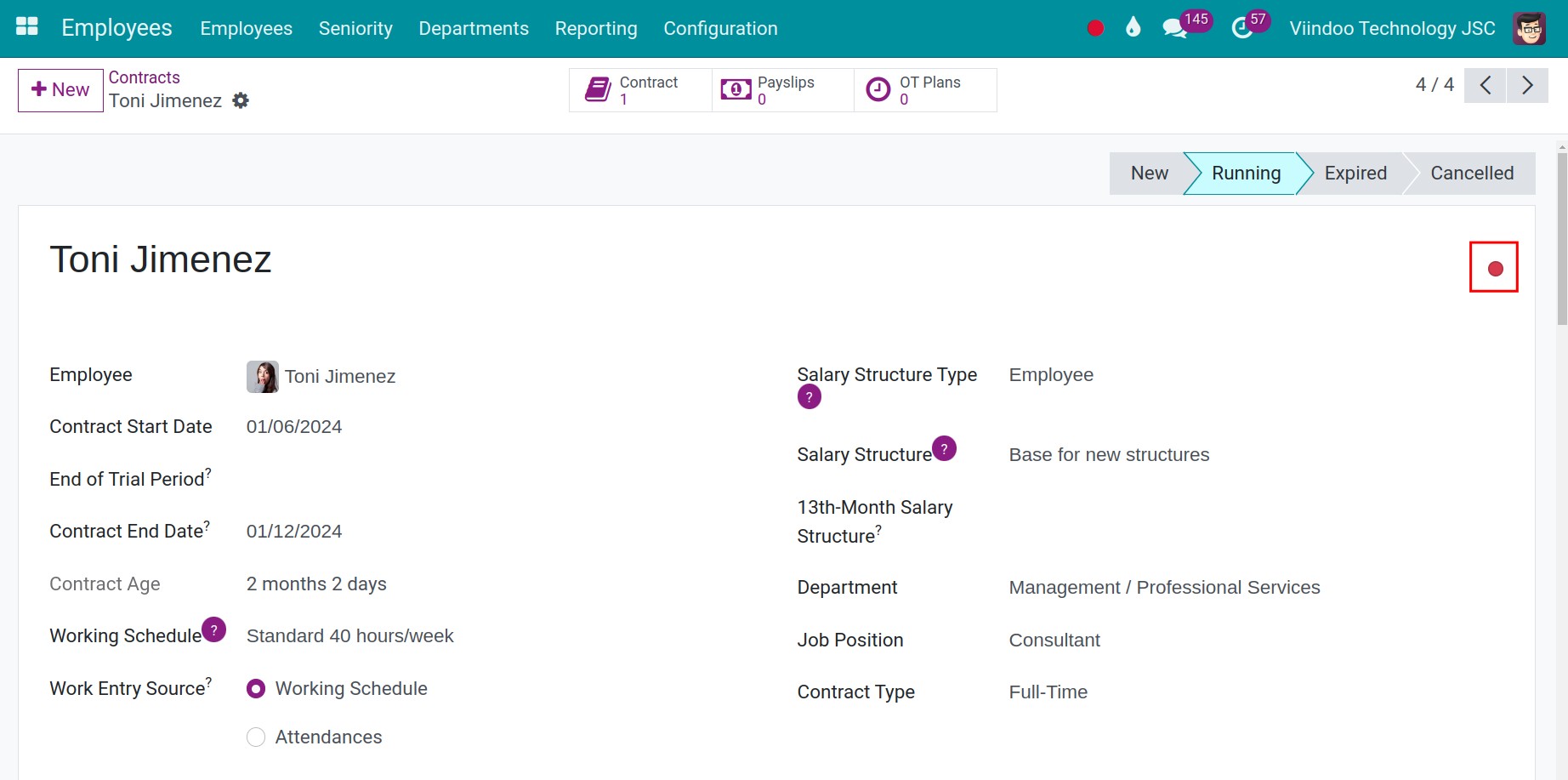
Every day the system looks for the employees whose contract ends exactly on the day that is the Contract Expiration Notice Period from today. For each of them it creates a to-do “The contract of <employee> is about to expire.” for the HR Responsible of the contract, due on the end date of the contract. If the HR Responsible is empty, the to-do goes to the user who runs the check.
The same check creates a to-do when the work permit of an employee is about to expire, according to the Work Permit Expiration Notice Period.
To change the notice period, go to Employees > Configuration > Settings and enter the number of days in the block Contract. The default is 7 days for a contract and 60 days for a work permit. The setting is per company.
How to close a contract?
When the contract is over, open the employee, open the Payroll tab and check the contract dates.
Click Close Contract at the top of the form. The system tells you that it updates all the adjustments of the contract. Click OK.
![The confirmation before closing the contract]()
In the Close Contract window, check the Contract End Date, then click Confirm. The window proposes the current end date of the contract, or today when the contract has no end date.
![The Close Contract window]()
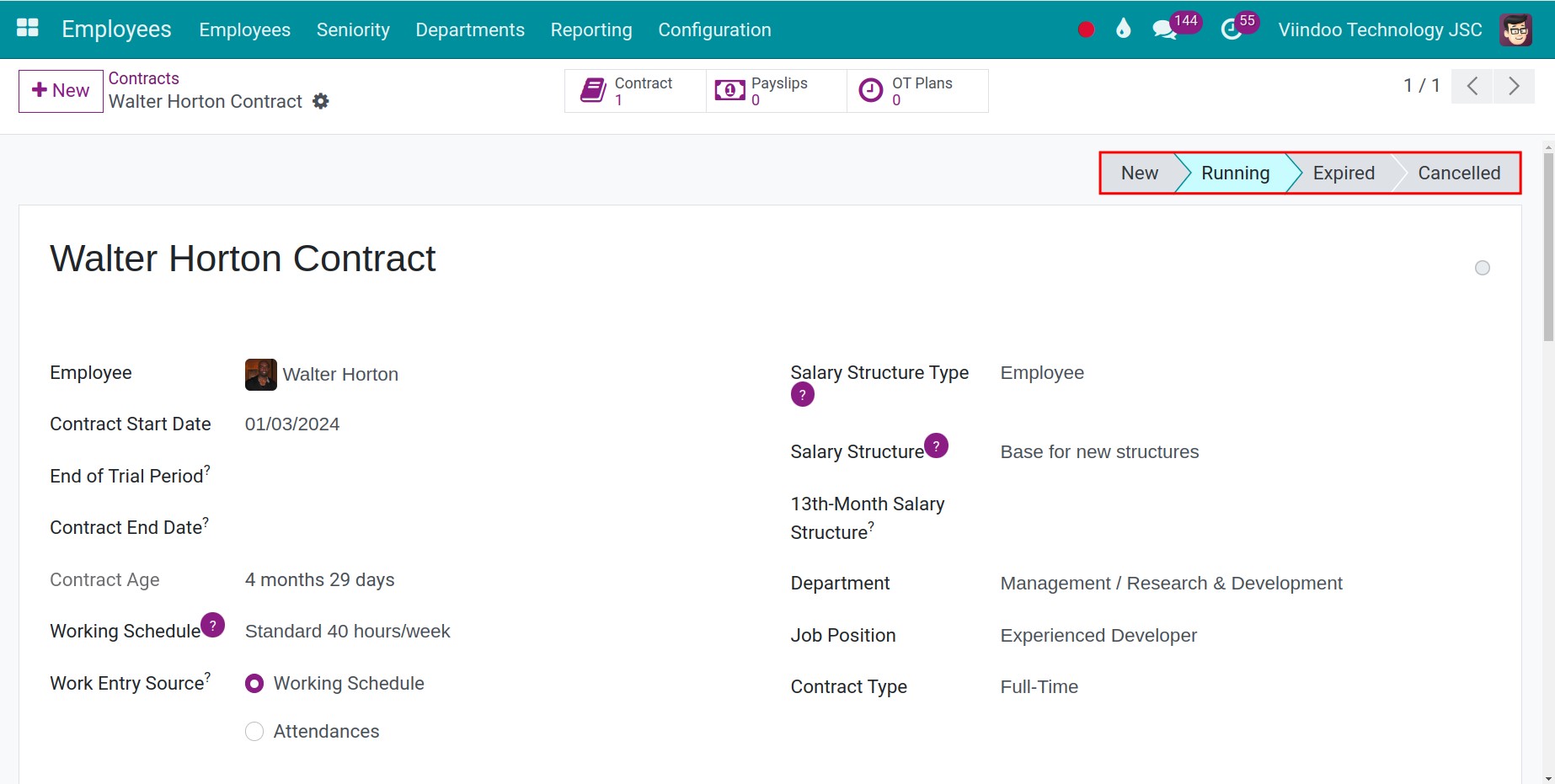
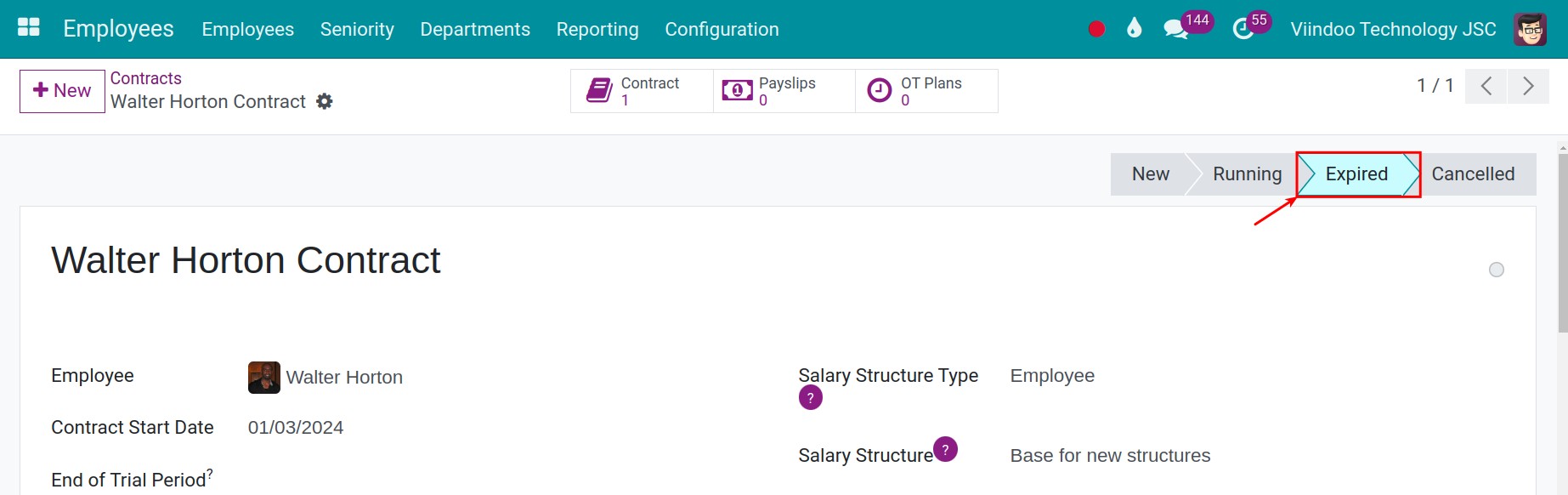
The adjustments that start after the end date are cancelled, and the other adjustments end on the same date. The contract is no longer in force after its end date. The button is hidden once the contract is over.
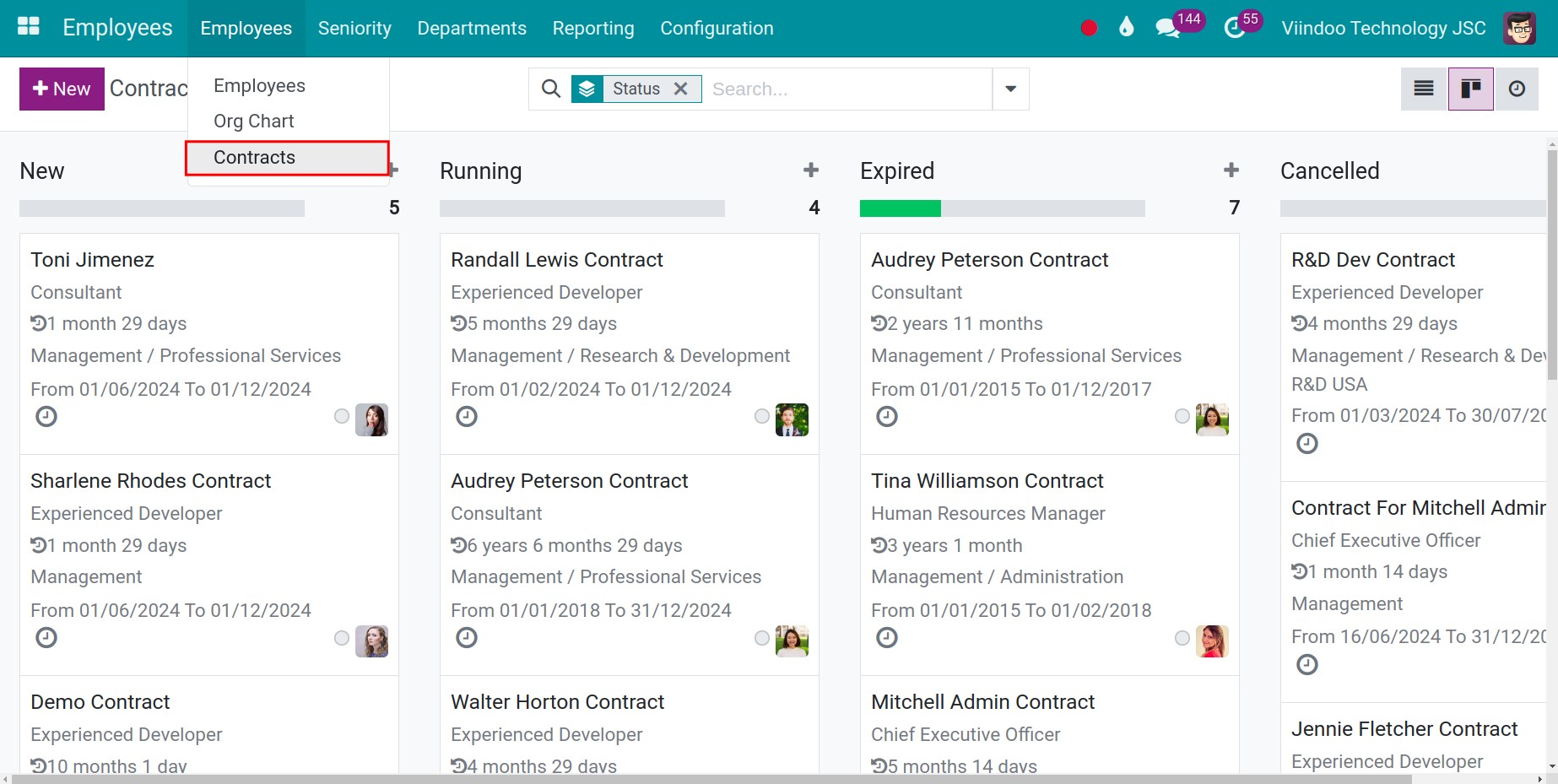
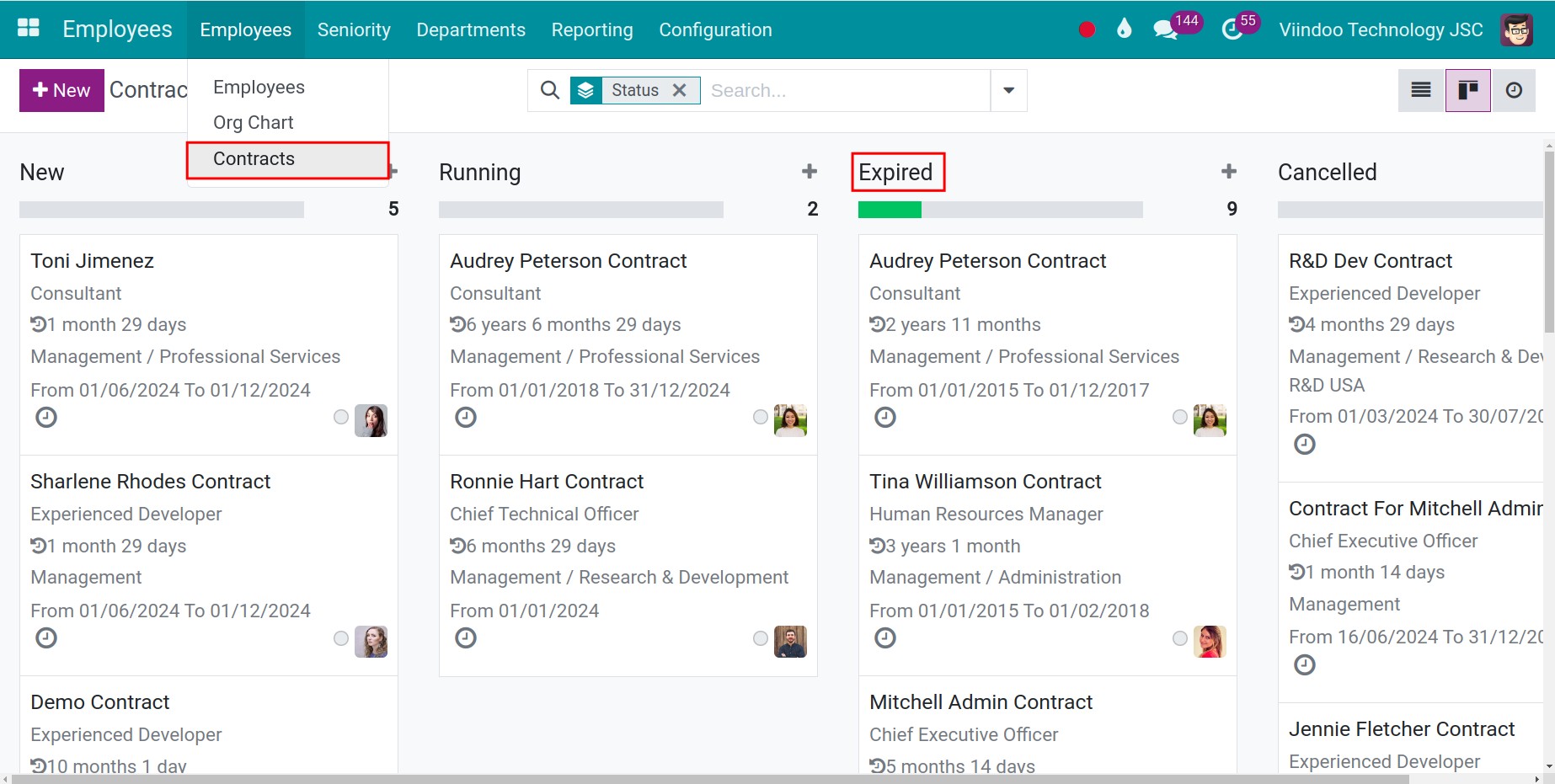
To see the status of the contracts of an employee, click More in the smart buttons and choose Contract History.
How to renew a contract?
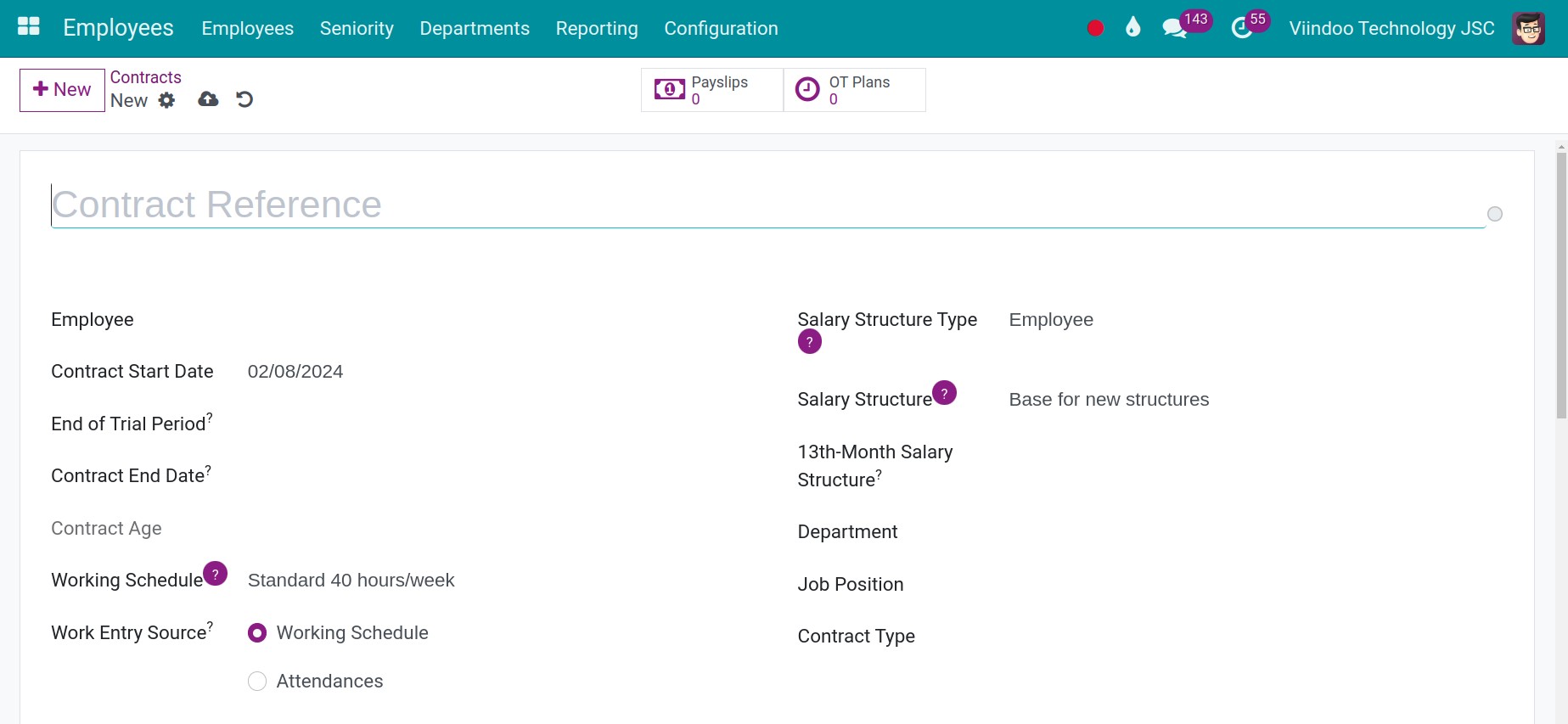
Click New Renewal next to the dates of the contract in the Payroll tab. The window proposes the day after the end date as the start date of the renewal. Enter a title, check the dates, then click Save and continue and confirm the renewal in its form. For the other fields of a contract, see How to create a labour contract.
How to cancel a contract?
If the contract was entered by mistake, click Cancel Contract and confirm: the system archives the versions of the contract. A contract cannot be cancelled while one of its adjustments is valid: cancel the adjustment first.
Tip
When an employee leaves, archive the employee: in the departure window, tick Contract and the system sets the end date of the contract to the last day of the employee.
Common problems
Problem |
What to do |
|---|---|
No to-do appears for a contract that is about to end. |
The system creates the to-do only on the day that is exactly the notice period before the end date. Check the Contract End Date of the contract and the Contract Expiration Notice Period of the company. |
You do not see the buttons Close Contract, New Adjustment or Cancel Contract. |
The contract is over or has not started yet, or you do not have the access right. Ask an administrator to give you the access right Administrator for Employees. |
The contract cannot be cancelled. |
An adjustment of the contract is still valid. Cancel the adjustment first. |
See also
Related article
Optional module