
The purchasing process on a Marketplace
On a marketplace, customers shop as on any online shop. Each product shows the merchant who sells it; one cart can hold products of several merchants and of the marketplace itself. The customer pays once, online, and follows the order from My Account.
Who |
Customers who shop on the website; marketplace staff who follow the orders. |
App |
Website |
Before you start
The marketplace manager installs Viin Marketplace website sale and Viin Marketplace Website Sale Stock, and turns on at least one online payment method, see Intergrated with Payment gateways.
Customers sign up with Sign in, then Don’t have an account?, and update their details with Edit information in My Account.
How do I find a product?
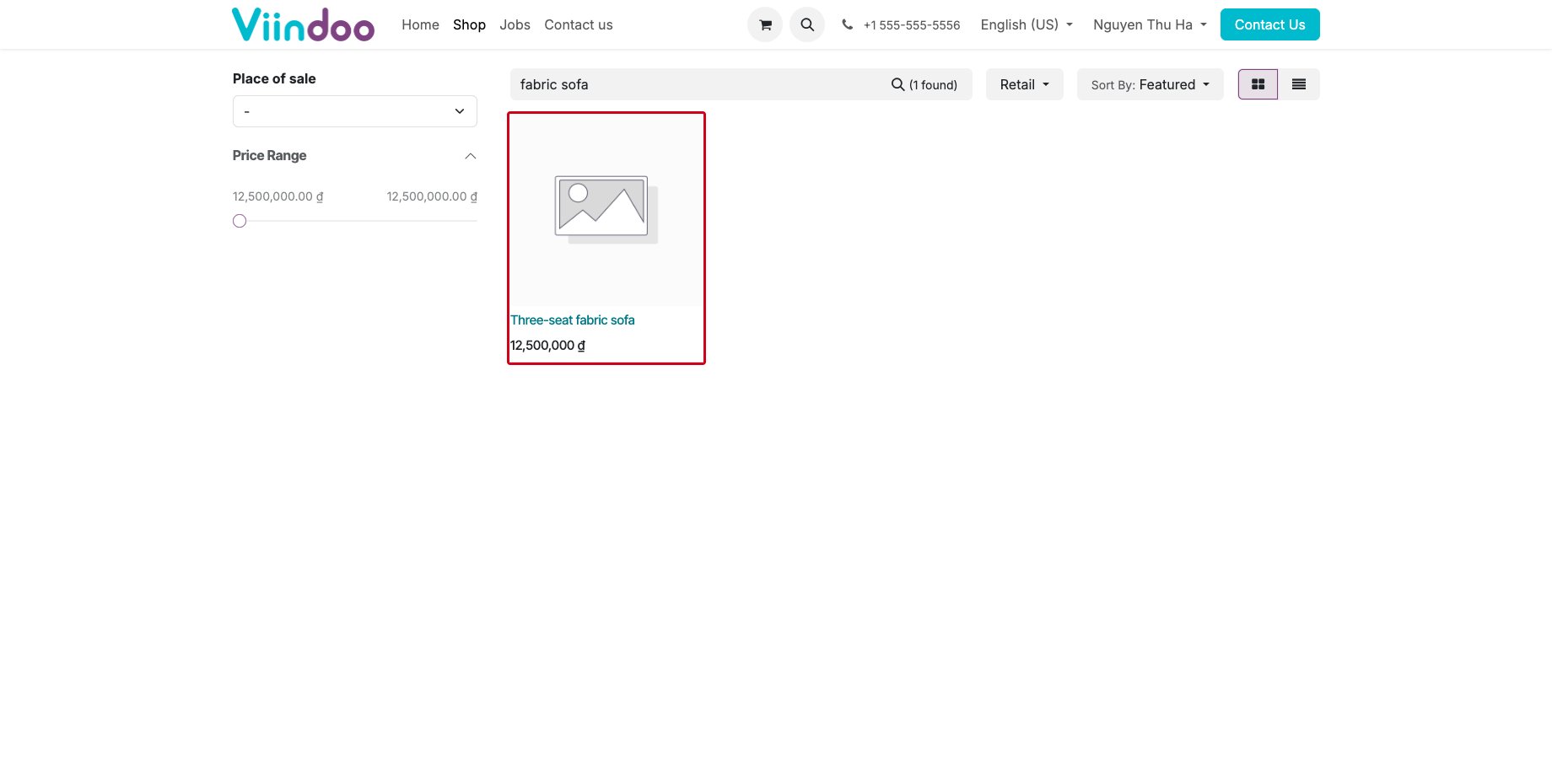
Go to Shop. Search by name, or filter by Place of sale (the province of the store) and Price Range.
![The shop with a search and the place of sale filter]()
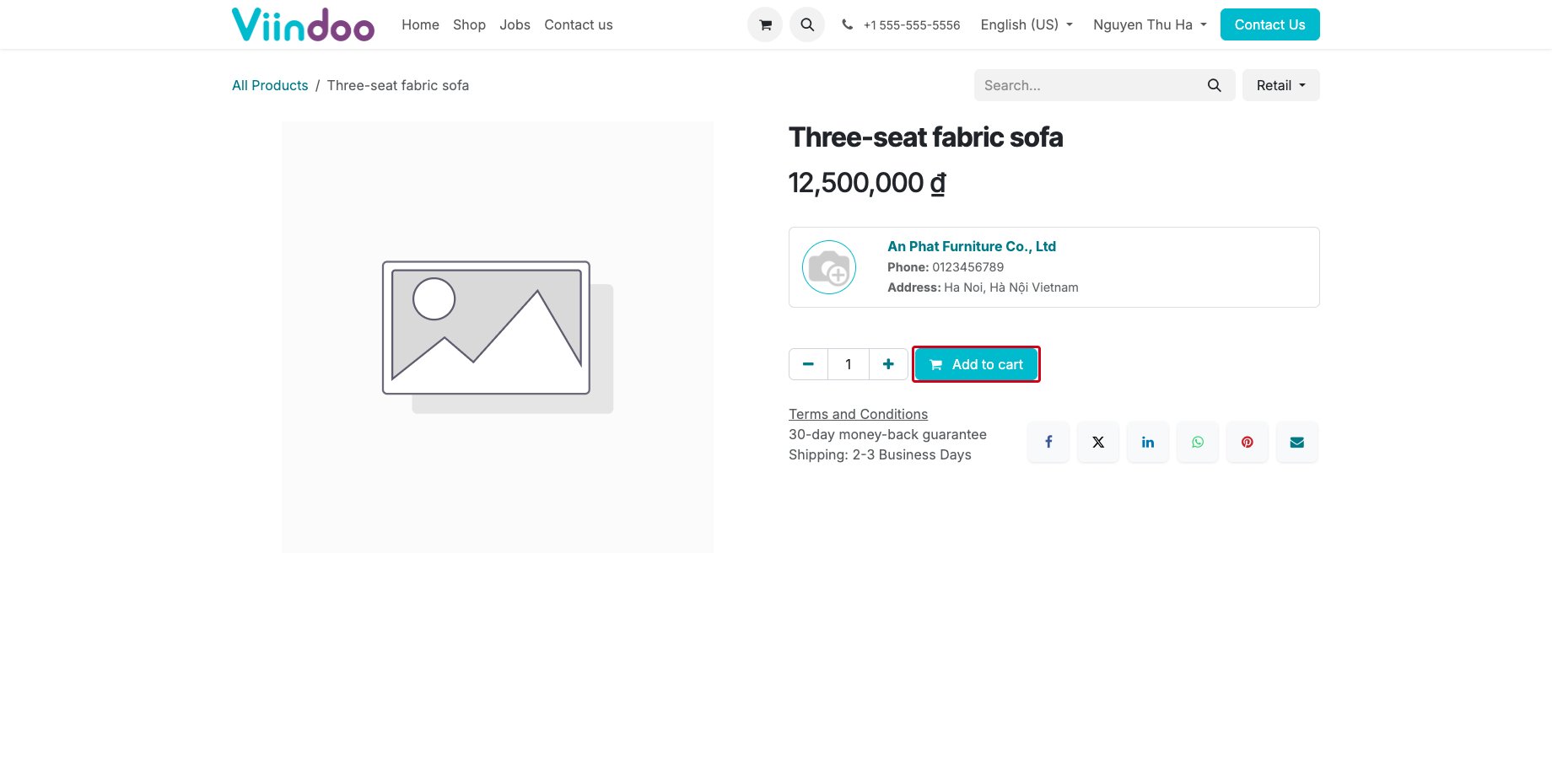
Open the product: the merchant who sells it, with its phone and address, shows next to the price.
![A merchant product with its merchant and the Add to cart button]()
How do I order and pay?
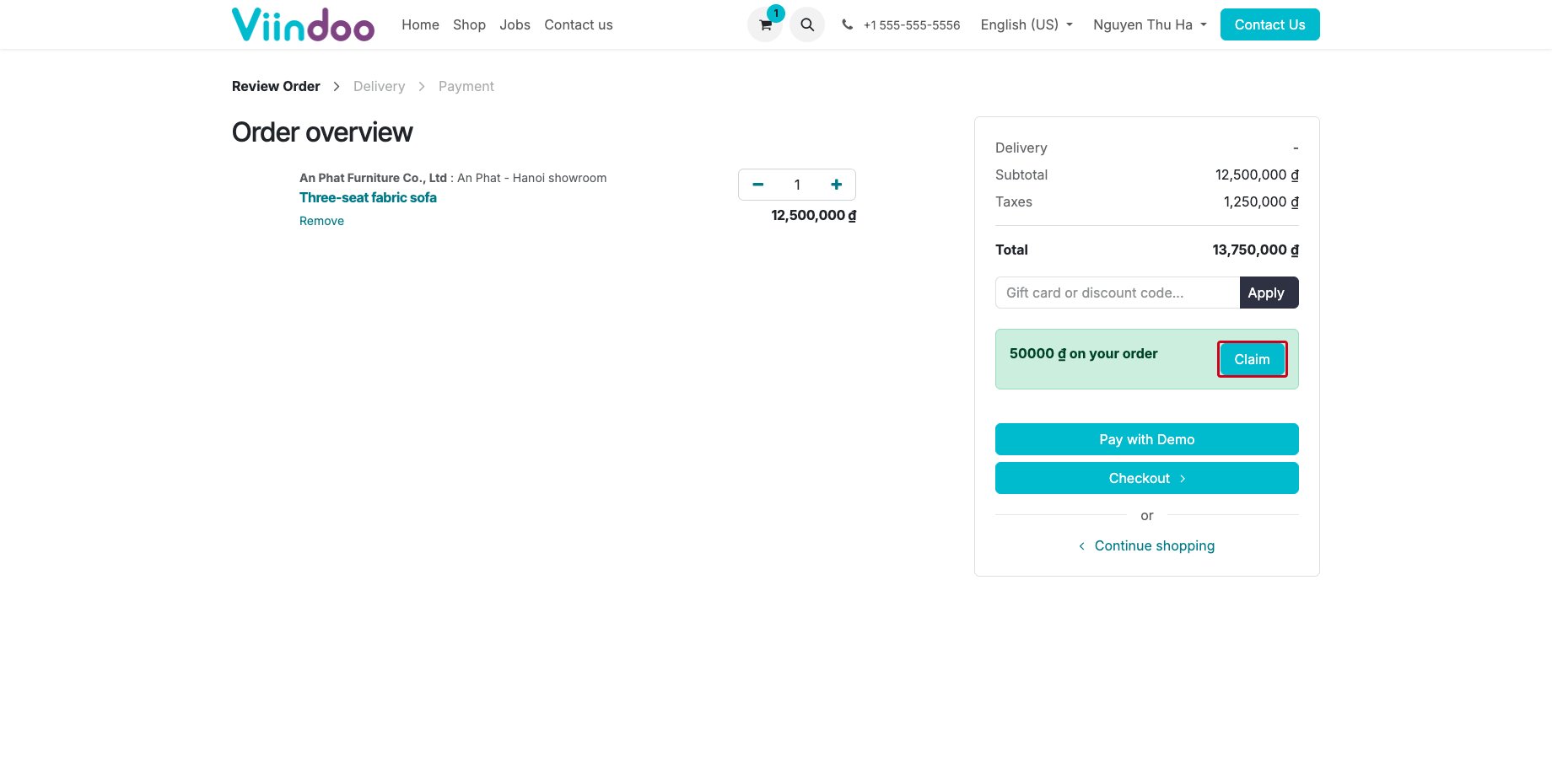
Click Add to cart, then open the cart. Each line shows the merchant and the store that sells it. Click Checkout.
![The cart with the merchant and the store of each product]()
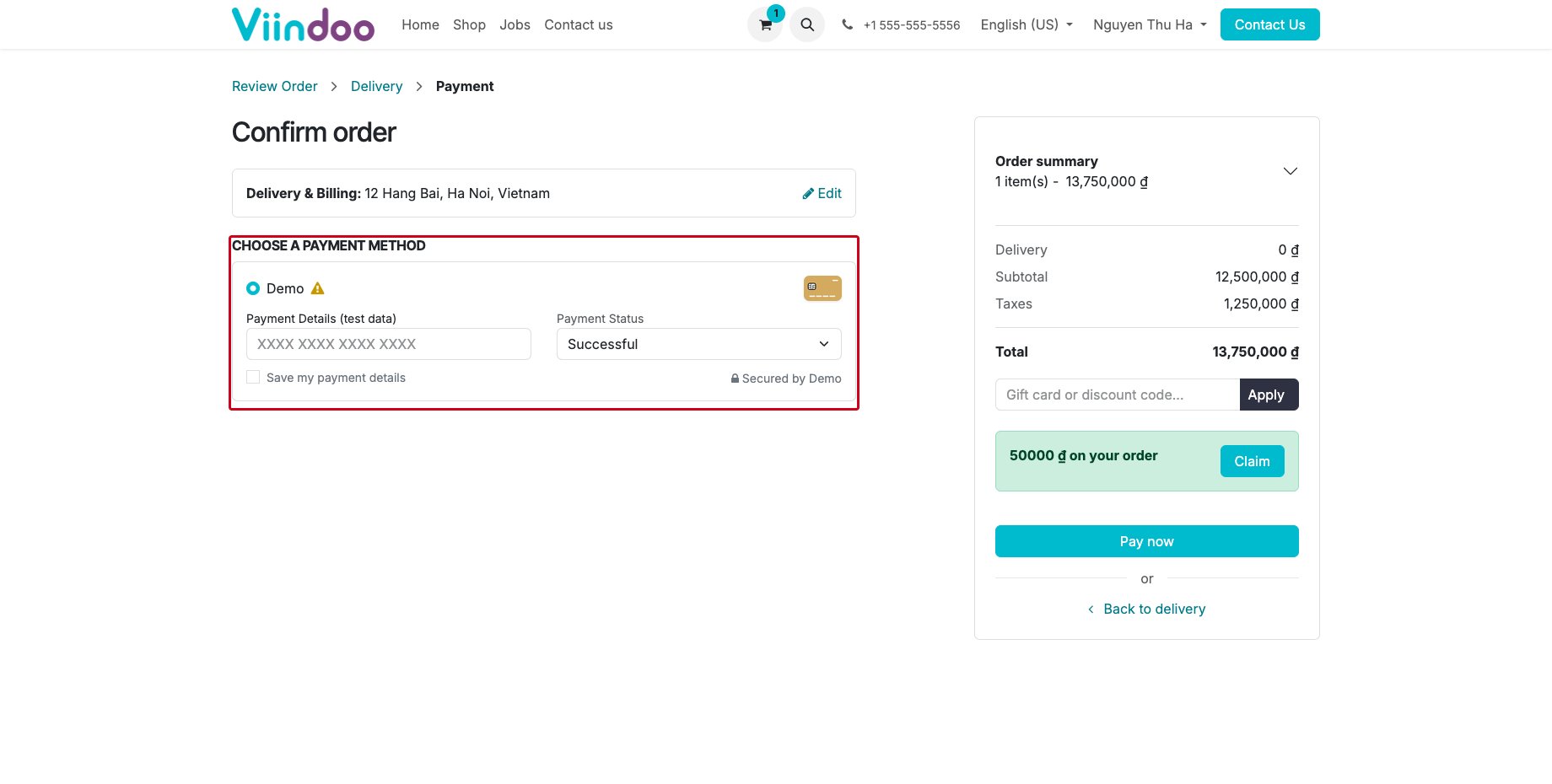
Check the delivery address and the delivery method, then choose a payment method and click Pay now.
![The payment step with the payment methods of the marketplace]()
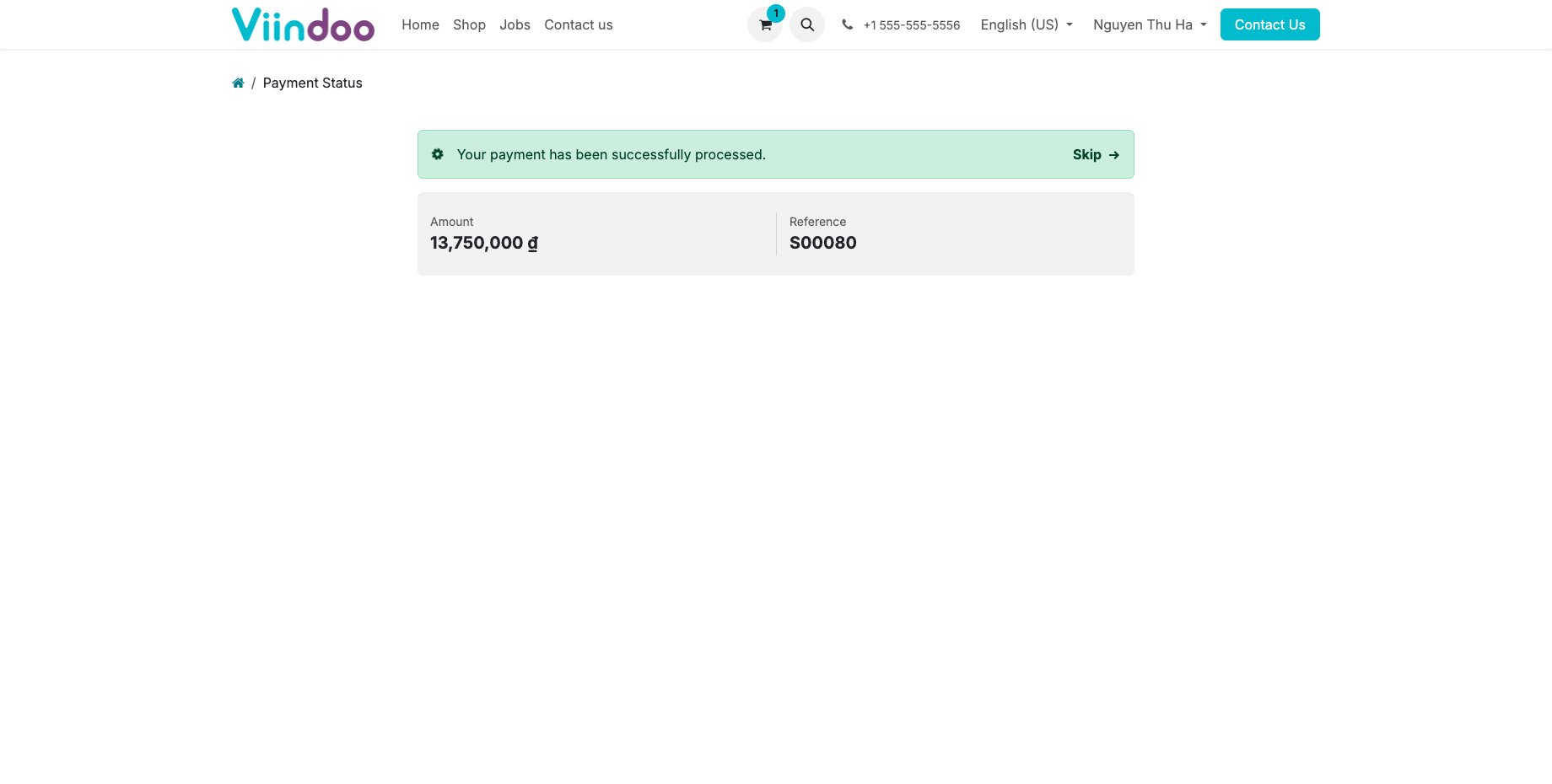
The payment gateway confirms the payment and the order is confirmed.
![The confirmation that the payment has been processed]()
How do I follow my order?
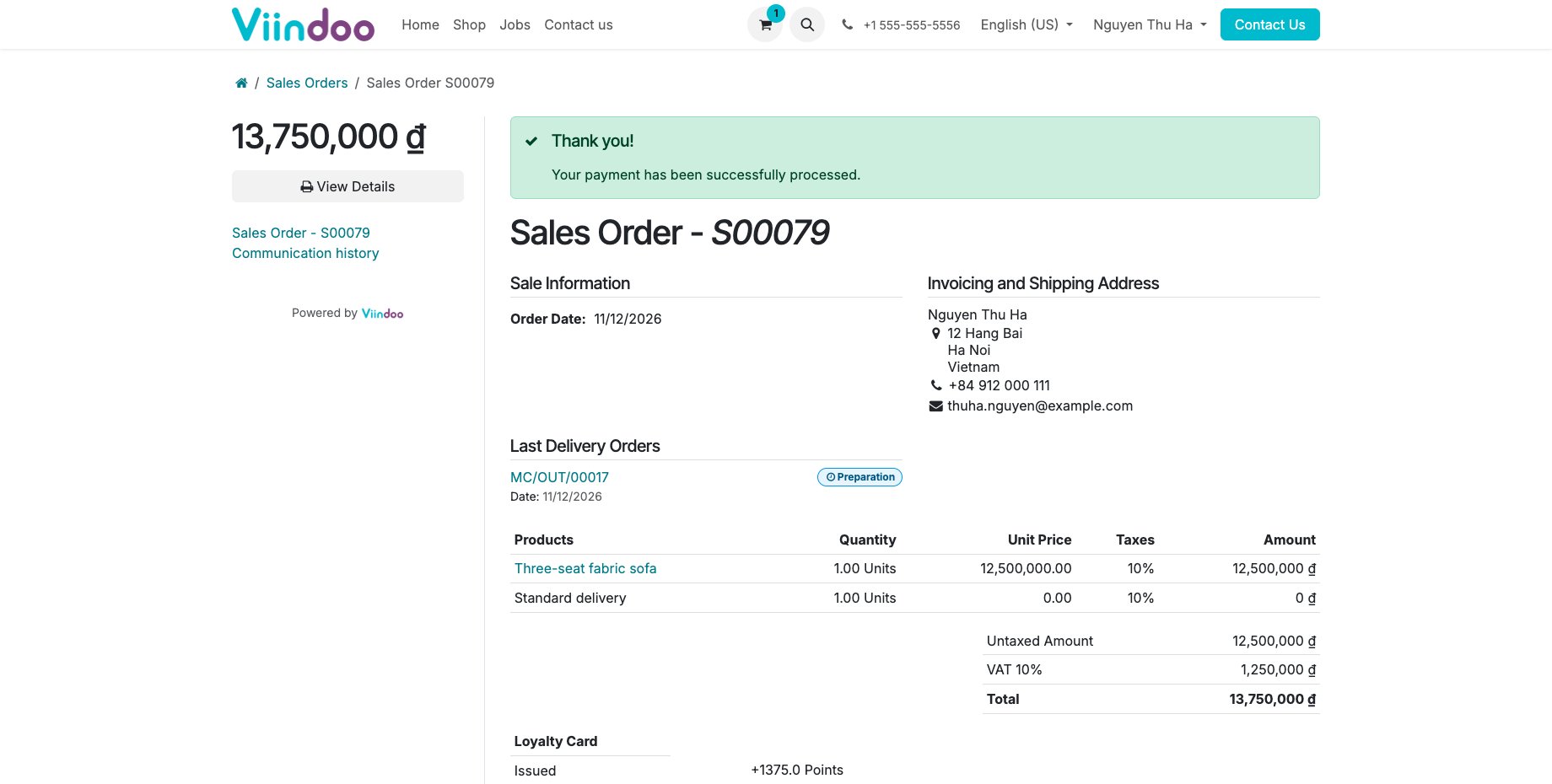
Go to My Account ‣ Your Orders and open the order: its lines, its total, its payment and its deliveries.
![A sales order in My Account with its deliveries]()
To decline a quotation you have not paid, open it and click Reject.
Common errors
Problem |
What to do |
|---|---|
No payment method is offered. |
The marketplace has no online payment method enabled and published. |
The e-wallet is not offered. |
The balance of the wallet must cover the whole order, see E-wallet of the Marketplace. |
Next steps
On-behalf payments on a Marketplace: how the marketplace pays the merchants.
See also
Related articles
Optional modules