
How to manage consignment products
When a consignor leaves goods in your warehouse for you to sell, turn on Consignment in the Inventory settings and enter the consignor in Assign Owner on the receipt. The goods are stored in your warehouse but stay owned by the consignor: you see the owner next to the stock in Inventory ‣ Reporting ‣ Locations, and, with the Accounting app, the goods are not part of your own stock valuation.
Who |
Inventory Administrator to turn on the setting; Inventory User to receive and deliver goods. |
App |
Inventory |
Before you start
Install the Inventory app.
Create the consignor as a contact (see How to create a new contact).
Know how to receive goods.
How do I turn on consignment?
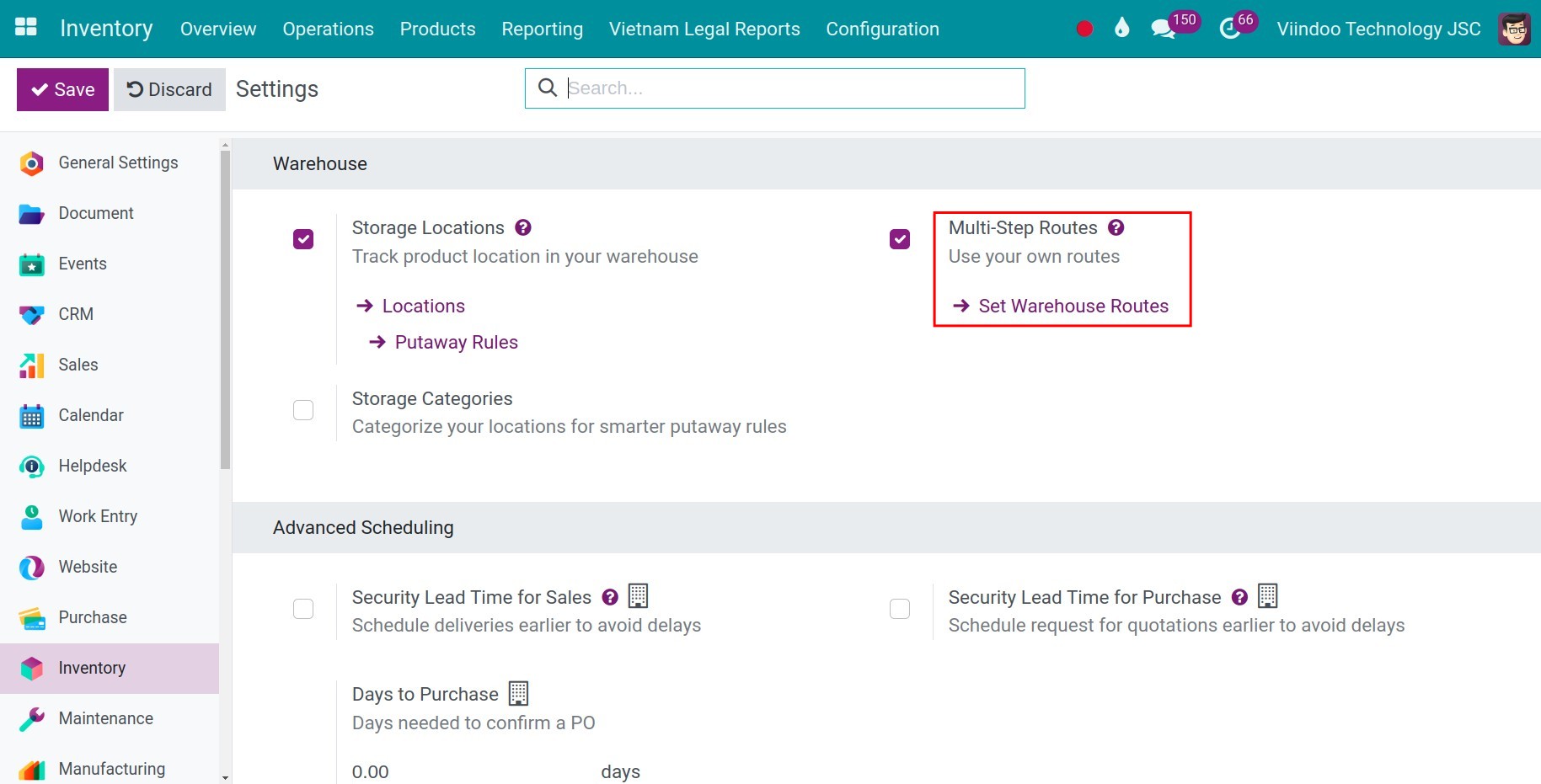
Go to Inventory ‣ Configuration ‣ Settings.
In the Traceability block, tick Consignment (Set owner on stored products), then click Save.
![Consignment setting ticked in the Traceability block of the Inventory settings]()
How do I record the owner of consigned goods?
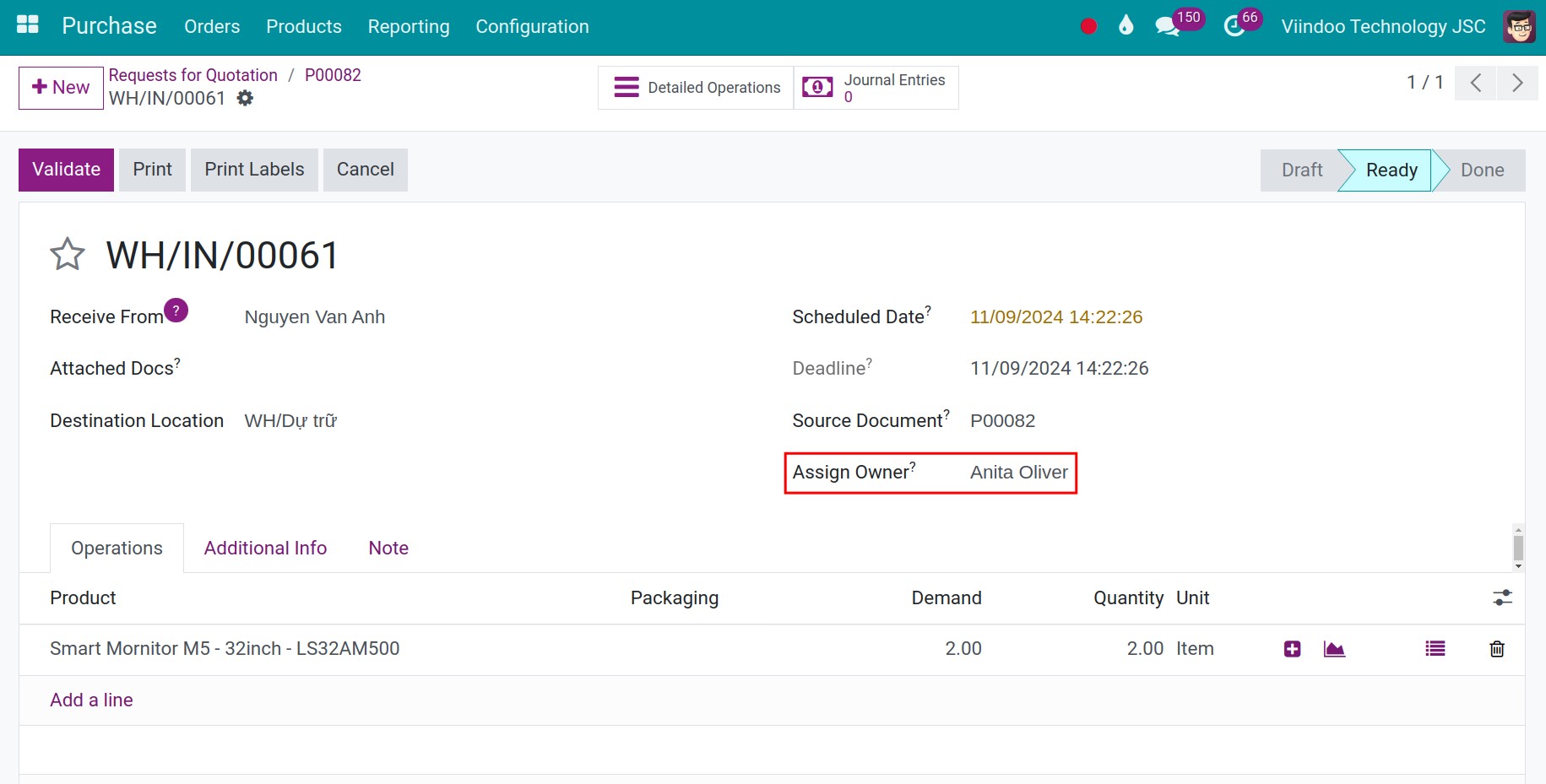
Go to Inventory ‣ Operations ‣ Transfers ‣ Receipts and create or open the receipt of the consigned goods.
In Assign Owner, choose the consignor. The field is only shown on receipts.
![Receipt with the consignor selected in the Assign Owner field]()
Click Validate.
The goods are now in your warehouse, owned by the consignor. With the Accounting app installed, they are not counted in the inventory valuation of your company.
How do I check who owns the stock?
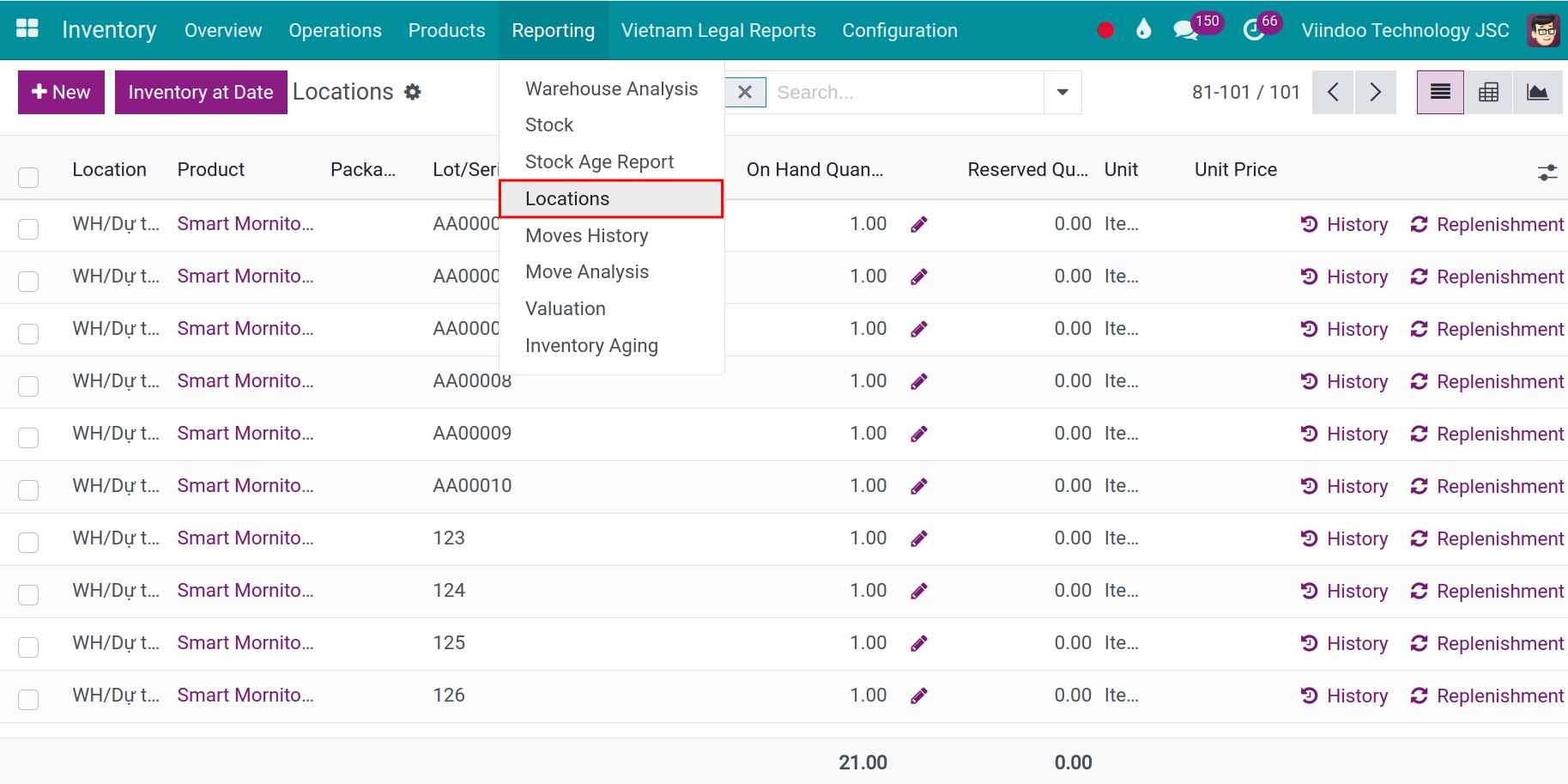
Go to Inventory ‣ Reporting ‣ Locations and search the product. The Owner column shows the consignor, next to the location and the on-hand quantity. The same owner is shown on the lines of Inventory ‣ Operations ‣ Adjustments ‣ Physical Inventory, so you can count consigned goods separately.
How do I deliver consigned products?
Create the delivery as usual and click Check Availability if it is not reserved yet. Viindoo reserves the consigned stock of the product and keeps the owner on the stock movement, so the quantity of the consignor decreases when you click Validate. Open the movement in Inventory ‣ Reporting ‣ Moves History to see its Owner.
Check the result in Inventory ‣ Reporting ‣ Locations: the quantity of the consignor is lower by the delivered quantity.
Common errors
Problem |
What to do |
|---|---|
Assign Owner is not shown on the receipt. |
Consignment is not ticked in the settings, or the transfer is not a receipt. |
Next steps
Version notes
If you also install the Accounting app, goods with an owner other than your company are excluded from the inventory valuation.
The delivery details window does not show the owner. Read it in Locations or in the movement in Moves History.